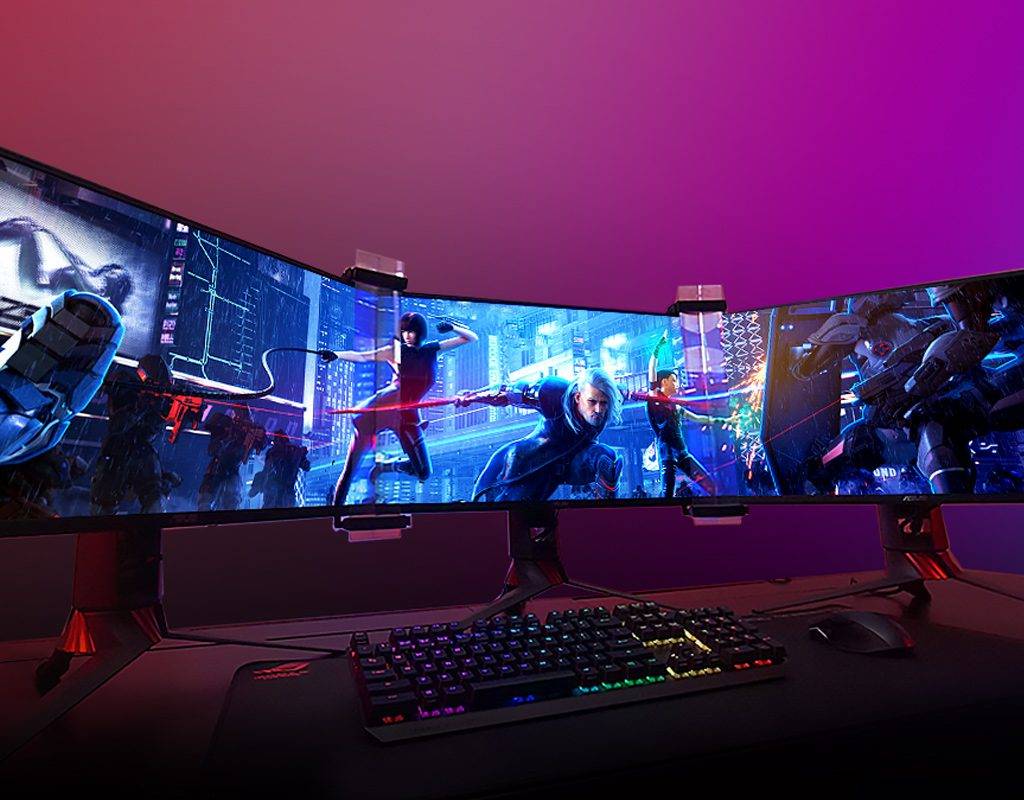
ASUS Bezel Free Kit
Want the best, most immersive yet intense gaming experience? Then triple monitors are an absolute must-have. The big disadvantage of a triple monitor setup are those annoying black bezels. With the ASUS Bezel Free kit zijn deze zware randen eindelijk verleden tijd! Wat dit product is en waarom dit een absolute must-have is voor jouw sim rig leg ik in dit artikel uit. Let’s go!
What is the ASUS Bezel Free-kit?
The Bezel Free Kit is a unique solution to the problem of visible screen edges during gaming. This technology ensures that screens are free of heavy bezels. As it is, these screen edges, or bezels, are always in your field of vision, which is very annoying.
De ASUS Bezel-Free kit is dé oplossing om de zwarte randen tussen drie pc-beeldschermen te laten ‘verdwijnen’. Natuurlijk kun je de randen niet echt laten verdwijnen, maar ASUS heeft een technologie ontwikkeld waarmee een dusdanige optische illusie wordt gecreëerd waardoor jij de randen niet meer ziet. Dit zorgt ervoor dat je een veel meeslependere en intensere game-ervaring beleeft, omdat je alle actie op het scherm goed kunt volgen en je je midden in de actie waant. Dit maakt gamen – en sim racen in het bijzonder – écht een unieke game ervaring.
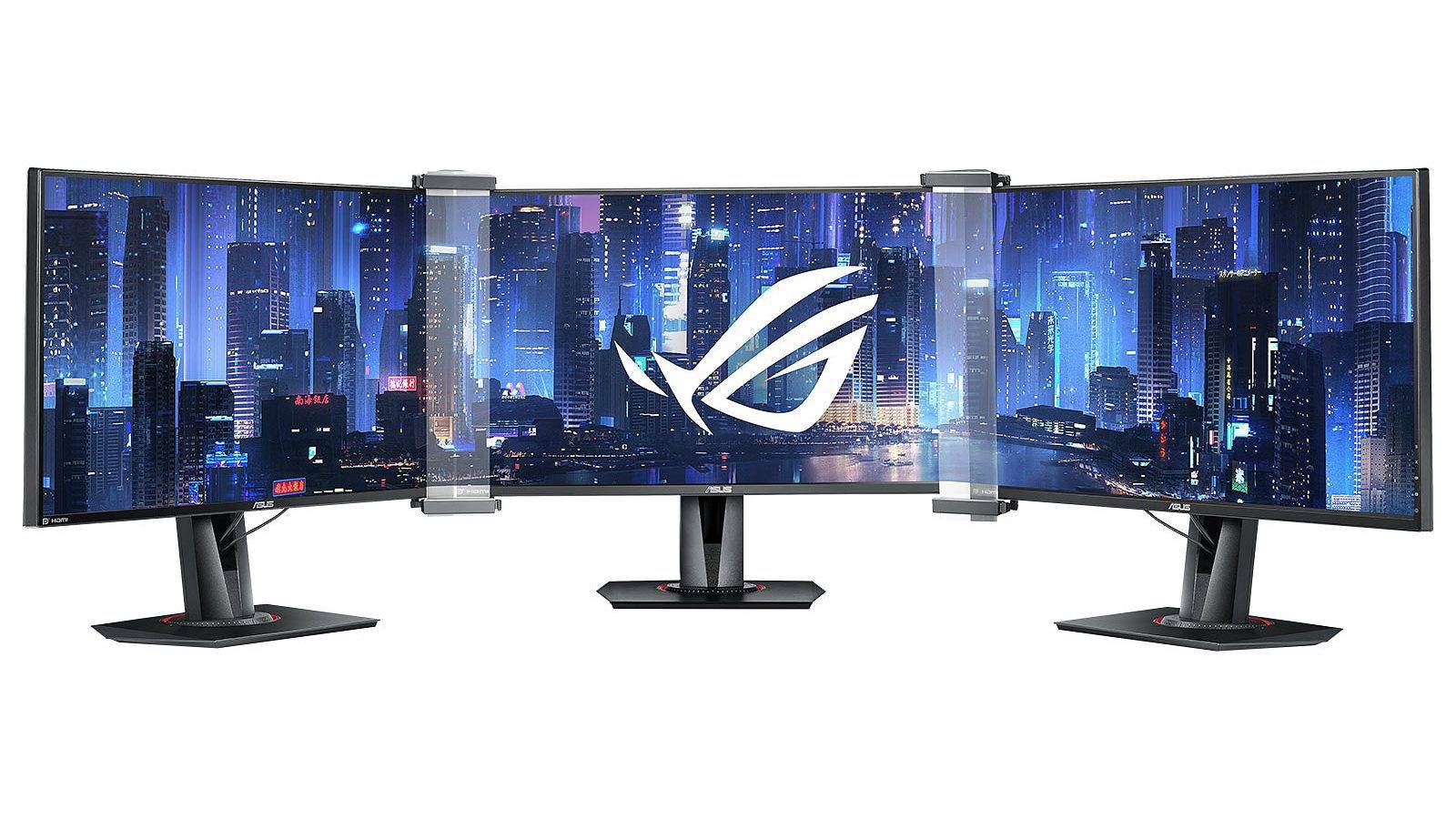
ASUS Bezel Free triple monitor kit
The ASUS Bezel Free kit is a universal design, making it compatible with all flat monitors under 27 inches. And this is therefore directly the big disadvantage of this product. After all, 27-inch monitors are quite small. I myself have a curved triple monitor setup. This offers a beautiful and immersive gaming experience. Fortunately, there are various mods can be found on the internet to make the ASUS bezel free kit also compatible with 32-inch displays! Prefer a ready-made solution? Check out the products from Sim Sport Gadget.

Features
The ROG Bezel Free Kit ABF01, as it is officially called, consists of two lenses that you place over the screen edges of your monitor. The product is made of PET, a kind of durable thermoplastic. The big advantage of this material, compared to glass, for example, is that it allows 90% of light to pass through. As a result, the image below the lenses is slightly weaker than the rest of the screen. However, this is much less distracting than black screen edges 😉
ASUS Bezel Free Kit Review

Installation
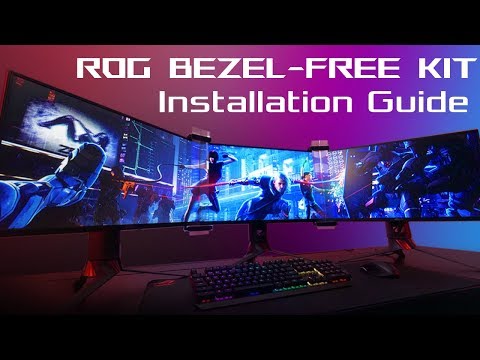
Installing the bezel free kit is child's play and takes just a few minutes. The ROG Bezel Free Kit ABF01 consists of two lenses that you place over the bezels of your monitor. You snap these lenses into the clips provided. Two for the left and two for the right, you can't miss this.
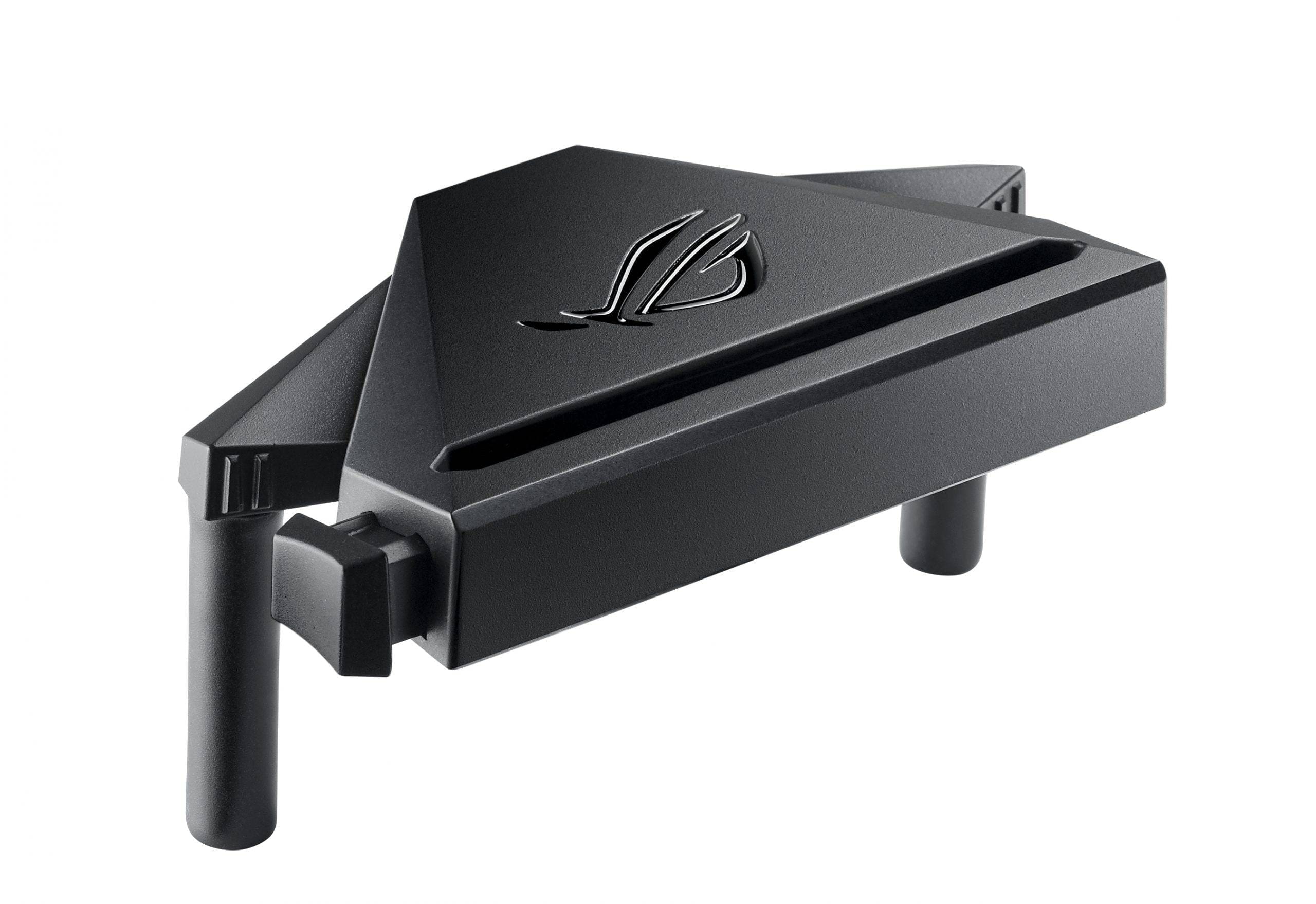
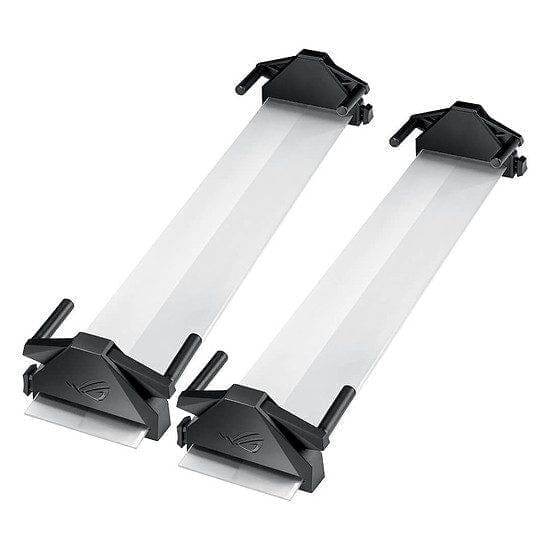
It is important to first position your monitors in the correct (angular) position. The ASUS Bezel Free Kit is designed to work at a 120° or 130° angle. This angle provides the best balance between comfort and experience. Included in the box is a handy paper angle gauge that you can use to position your monitors correctly. If in doubt, check out the installation video below!
Conclusion
I must confess that when I switched from a single to a triple monitor setup, I was not yet completely convinced by this product. This was partly due to the price, which I personally find on the high side. And those little black edges weren't so bad, were they? No, they weren't. So I was justifying to myself why I thought I didn't need this product. Nevertheless, I went overstag and I haven't regretted it for a minute!
It takes some DIY work to make the kit compatible with my 32-inch screens, but this was absolutely worth it. It is a simple and easy-to-install product that really adds value and turns your gaming experience into a sim rig so much better!
Have any thoughts?
Share your reaction or leave a quick response - we'd love to hear what you think!
-
0
-
0
-
0
-
0
-
0
-
0


 Nederlands
  Deutsch
  English (UK)
  Français