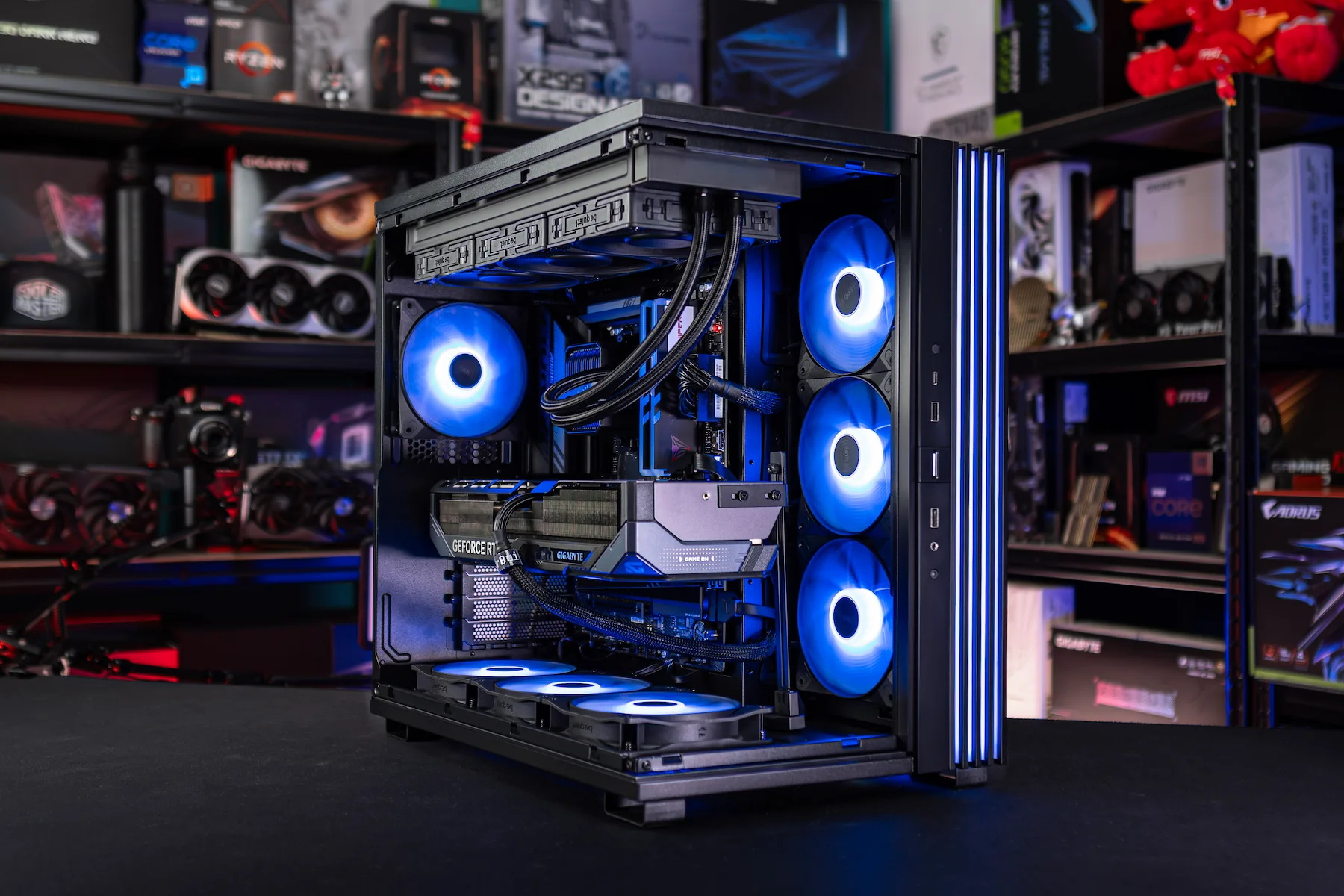
If you really want to compete at the top of sim racing in 2025, you will need more than just a good wheel or sturdy pedals. The power and stability of your PC will determine whether your races run smoothly or you are left with frame drops, crashes and frustration. In this sim racing PC guide I'll show you the choices you need to make to future-proof your setup so that you don't miss a beat and always get the most out of your races.
Our partnership with YourBuild
Some time ago, we at SimRacingHub.nl decided joining forces with YourBuild. From their deep knowledge of high-end PC builds and our experience within sim racing, a natural collaboration was born. This article is the first result of that co-creation - in which we combine YourBuild's hardware expertise with SimRacingHub's practical experience and insights. Together, we want to help sim racers make more informed choices and improve their performance with systems that are truly built for the sport.
What to expect in this article
In this article, I take you through my own experiences, show you what you as a sim racer should really look out for when buying a racing sim PC, discuss the technical requirements per component and share concrete advice to future-proof your system.
Because a sim racing PC is more than just hardware - it is the engine behind your experience. The foundation of your concentration, consistency and confidence. Let's go!

We will cover all of this
My first sim racing PC
Four years ago, my adventure in sim racing began with a leap of faith: I decided to build my first sim racing PC all by myself. Not because I knew about it, but because I thought it would be cheaper and cooler to do it myself.
The frustrations of homebuilding
I can still see myself sitting there with boxes full of parts, tutorials open on YouTube and a good dose of enthusiasm. But that enthusiasm soon turned to frustration. Drivers that just wouldn't work, components that didn't communicate properly with each other and BIOS settings that kept me stuck for nights.
I eventually got the system working, but never stable enough for the intense races I was looking forward to. The fun I was hoping for often gave way to disappointment and sheer stress when a race ended abruptly due to a crash or freeze.
Lessons learned
That period taught me a lot. It left me with a passion for hardware, but also the conviction that I make different choices these days. Where I used to spend days on troubleshooting, I now choose certainty and quality: a turnkey PC for sim racing from specialists like YourBuild. They understand not only technology, but also the passion and fanaticism of sim racers. They know which components together form a rock-solid foundation - tested, optimised and built for performance under pressure. You feel that difference immediately: peace of mind, stability and the confidence that your PC is as ready for the race as you are.
Why sim racing has higher demands than regular gaming
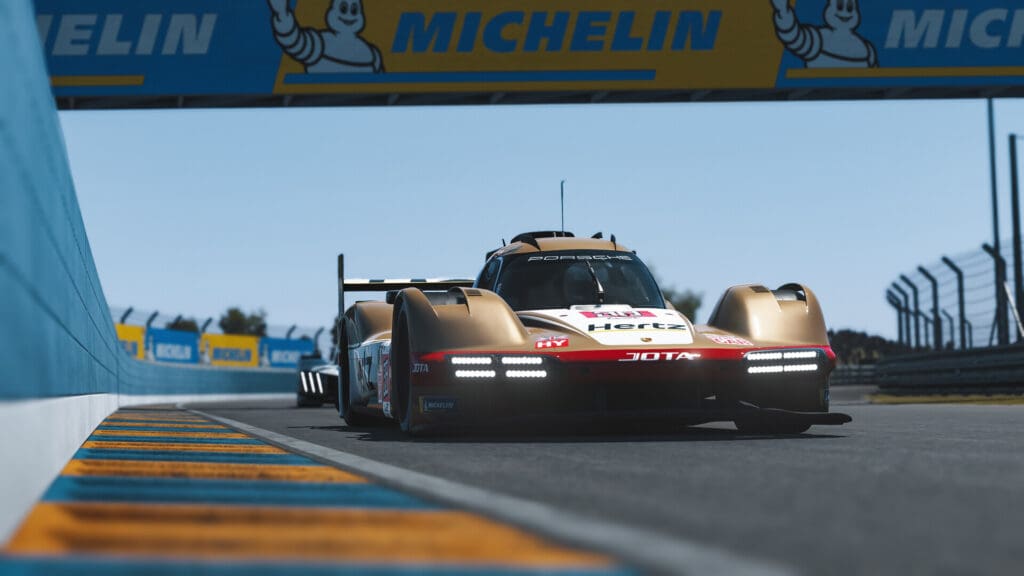
A gaming PC for sim racing needs to be able to do much more than your average gaming PC. Whereas a shooter often runs smoothly at 60 FPS, in sim racing it feels like driving with a blindfold. Every frame drop immediately translates to less control over your wheel, your pedals and even your concentration and confidence. Sim racing is all about milliseconds and precision, and for that you need stable frametimes and a high refresh rate. What is acceptable in a shooter or RPG can completely ruin a race in a sim.
Physics and AI: the brains behind simulation
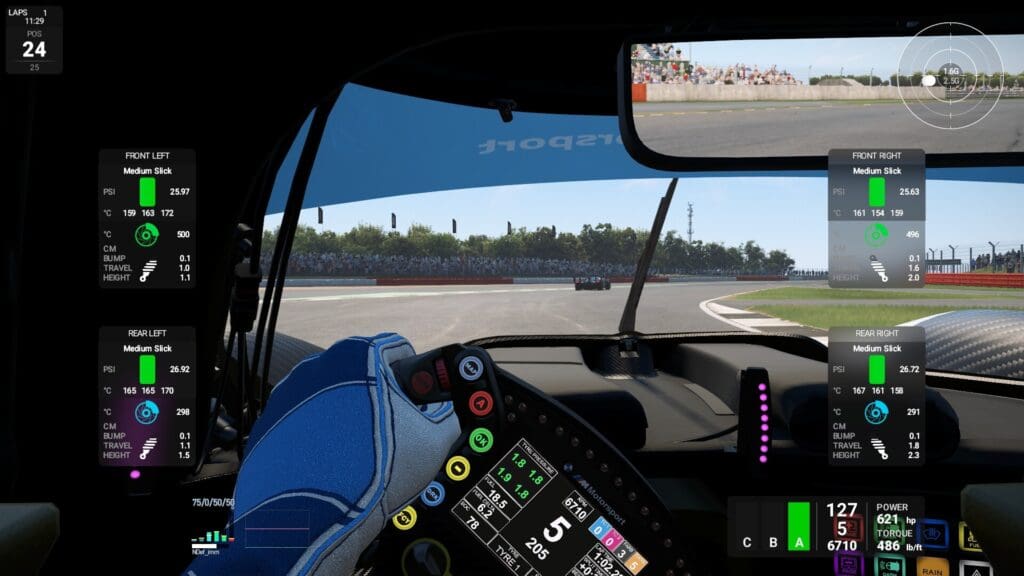
Popular sim games like iRacing and Le Mans Ultimate are built to mimic realism as accurately as possible. That means the CPU has to perform thousands of calculations per second: tyre temperatures, slijtage, aerodynamics, suspension forces and collision detection. Every detail is processed in real time. A weak CPU does not result in slightly inferior graphics, but in instability and hiccups that you immediately feel in the handling of your car. And with modern AI, which drives ever more realistically and makes more complex decisions, the strain only increases. The more cars on the track, the harder your CPU has to work. During endurance races with 40 or more participants, a system that still runs fine in solo races can completely collapse.
Multi-monitor and VR: pixels, pixels and more pixels
The step from single screen to triples or VR is similar to the jump from a kart track to a full Formula 1 circuit. Whereas one 1440p screen renders around 3.7 million pixels, a triple 1440p setup requires more than 11 million. Add to that a high-end VR headset such as the Pimax Crystal Super or Varjo Aero, which render per eye towards 4K, and you understand why even the most powerful GPUs sometimes squeak and creak.
And that's still without dynamic weather, night racing and full grids. Moreover, many sim racers also need motion rigs, haptics or bass shakers drive. All that data has to be processed without delay. It's as if your PC has to run not one, but several races at once.
My experience: from frustration to confidence
When I myself switched from a single 1440p monitor to a triple setup, my then 3080 Ti completely sank through the ice. Where before I had stable frame rates, my races turned into a stuttering experience full of microstutters. Every overtaking felt risky, not because I couldn't do it, but because my PC wasn't keeping up. Only after switching to an RTX 4090 did sim racing become what it should be again: smooth, stable and reliable. The difference was huge: I got peace of mind in my races, my lap times became more consistent and I could finally fully trust my system again. For me since then, sim racing is not just about the driving itself, but also about the certainty that my hardware will not let me down when it really matters.
The main components for a sim racing PC
A simulator gaming PC is the backbone of any serious sim racer. And no, it is not about simply cramming the most expensive parts into a cabinet. It's about balance, tuning and understanding what a simulator really demands. Too many people focus blindly on one component - often the GPU - and forget that a weak CPU, slow RAM or an unstable power supply can undermine the whole experience. I have learned over the years that your system is like a racing engine: every component has to work together to deliver top performance. Below, I'll take you through the components that I have personally experienced the most impact from.
CPU - the brain of your simulator
Sim racing is incredibly CPU-intensive. Every corner, every braking moment and every tyre or suspension calculation ends up on the processor. Especially physics-driven titles like iRacing or RaceRoom are relentless to a weak CPU. And believe me: you notice it immediately. Whereas shooters still run pretty well on a mid-range CPU, in a sim you sink straight through the ice in large grids or dynamic weather. This is where single-core power matters most.
- Entry: Intel Ultra 5 245K or Ryzen 5 7500F
- Mid-range: Intel Ultra 7 265K or Ryzen 7 7800X3D.
- High-end: Intel Ultra 9 285K or Ryzen 7 9800X / 9 9950X3D.
My switch from an i7 to an i9-14900K was a gigantic step forward. Suddenly, big endurance grids in Le Mans Ultimate were running stably, without those irritating frame drops. Inputs registered more consistently, side-by-side battles felt fluid, and I finally got the feeling that the car was doing exactly what I asked. The difference in driving experience was priceless and made it immediately clear why a powerful CPU is so important for sim racing.
GPU - the engine of your image
If the CPU is the brain, the GPU is your heartbeat. For triple monitor setups or VR, the GPU is critical. Here, you simply cannot skimp. The difference between 70 and 120 FPS is not just about smoother visuals; it determines how confidently you brake, steer and accelerate. A choppy image costs focus and makes you inconsistent driver.
- 1080p single: RTX 5060 Ti or RX 9060 XT
- 1440p single: RTX 5070 or RX 9070
- Triple 1440p: RTX 5070 Ti or RX 9070 XT
- VR or 4K triple: RTX 5080 or RTX 5090
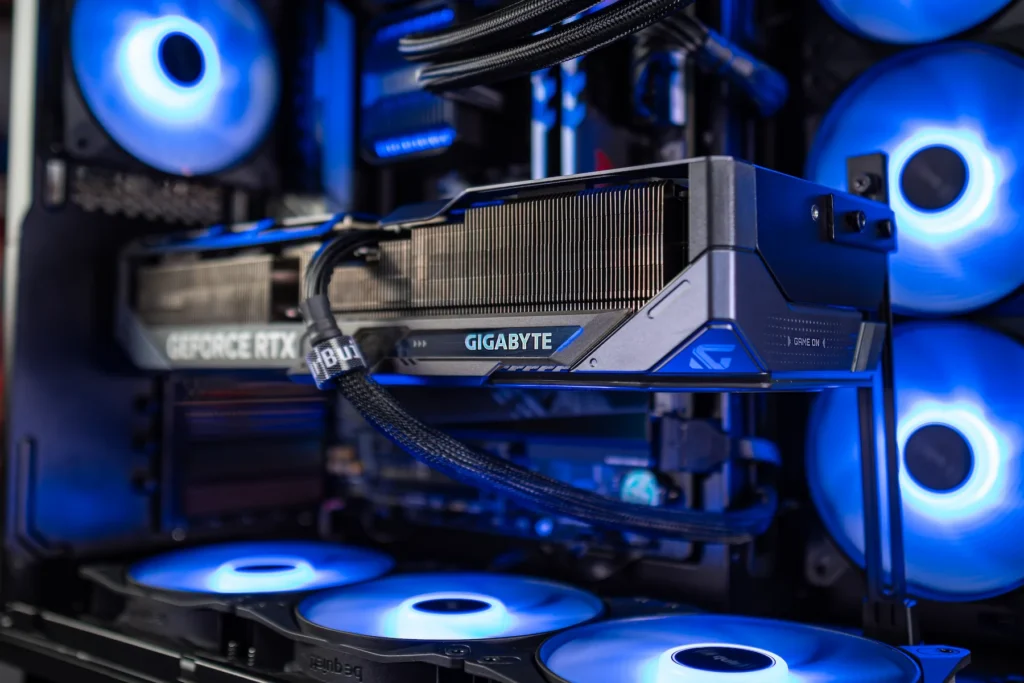
My own experience: I started my own sim racing PC with an RTX 3080, but actually noticed quite quickly - especially in VR and with heavier sims - that this was not enough. Frame rates collapsed too far, especially in ACC and Le Mans Ultimate. Switching to an RTX 4090 Gaming Trio was a complete revelation. Suddenly everything was running smoothly, VR turned from a gimmick into a lifelike racing experience and my lap times became more consistent. The same applies to triple monitor setups: the GPU is literally the engine that makes or breaks your races.
RAM - breathing space for simulations
RAM is often underestimated, but trust me: insufficient or slow memory will make your entire system unstable. By 2025, 32 GB of DDR5 will be the standard. If you stream with it or want to use VR, 64 GB is a safe investment. What many people forget: fast RAM with high clock speed and low latency makes the difference between stuttering frametimes and a smooth experience.
With heavy titles like Le Mans Ultimate and iRacing, I immediately felt how upgrading to faster memory eliminated microstutters and made the whole experience quieter. Also important to note that RAM memory is not the most expensive thing these days. So play it safe and choose at least 32 or 64GB. Rather too much than too little!
Storage - load times and stability
A sim racing PC build without an NVMe SSD feels antique these days. Tracks, cars and replays load faster, and the chances of texture streaming issues are drastically reduced. For an active sim racer, I recommend at least 2 TB NVMe.
Do you install multiple popular sims - think iRacing, ACC, AMS2 and Le Mans Ultimate - then you fill up that space faster than you think. My switch to a PCIe 4.0 SSD was a gamechanger: circuits that were agonisingly slow to load before were suddenly ready in seconds. And that's exactly what you want!
PSU - not every power supply is the same
Many sim racers spend hours picking the perfect GPU or CPU, but often forget about their system's silent heroes: cooling and power supply. Without these two, you can have such a powerful system, but your stability is constantly under pressure.
For example, an RTX 4090 can have peak loads above 450 watts, and with an RTX 5090 even 600 watts. Add a high-end CPU and a pile of peripherals, and you're soon over 1000W. If you then have a power supply that is too light or inefficient, sooner or later you will have problems.
PSU certifications: Bronze, Gold or Platinum?
Not every power supply is the same. Besides whattage, efficiency also plays a role. This is indicated by the 80 PLUS certification, which indicates how much of the power is actually used, and how much is lost as heat.
- 80 PLUS Bronze → 82-85% efficiency. Good for budget-builds, but often noisier and less efficient.
- 80 PLUS Silver → 85-88% efficiency. Better balance, but little produced anymore.
- 80 PLUS Gold → 87-90% efficiency. The sweet spot for most sim racing PCs. Reliable, efficient and often quieter.
- 80 PLUS Platinum → 90-92% efficiency. For those wanting absolute stability or running a high-end build with heavy GPUs and CPUs.
- 80 PLUS Titanium → 92-94% efficiency. Mostly overkill, but ideal if you want the very best and most stable system.
For most sim racers, I recommend minimum Gold to. You'll definitely be fine with that and is actually the standard b in a gaming PC. Especially if you are racing for hours on end, you save on heat, noise and power consumption, while your power supply remains more stable.Platinum and Titianium is often considerably more expensive for little extra gain.
My experience with too light a feed
My very first sim racing PC had a power supply of only 650W - far too little for what I was hanging on it. Especially if you connect multiple monitors, a steering wheel, pedals, shifter, handbrake and sometimes even a motion rig, your system gets a huge load. The result: random crashes in the middle of a race. Pure frustration, as your concentration is immediately gone and an endurance stint can end up in the bin in no time.
Since then, I have learned that a good power supply is not a luxury, but an absolute necessity. Nowadays, I choose a PSU with a wide margin as standard, so that my system keeps running rock-solid even under maximum load. Especially if you have a lot of peripherals and accessories, you shouldn't skimp on the power supply. After all, racing a GT3 car with a throttled GT4 engine won't make you any faster either 😉
Cooling: the invisible performance booster
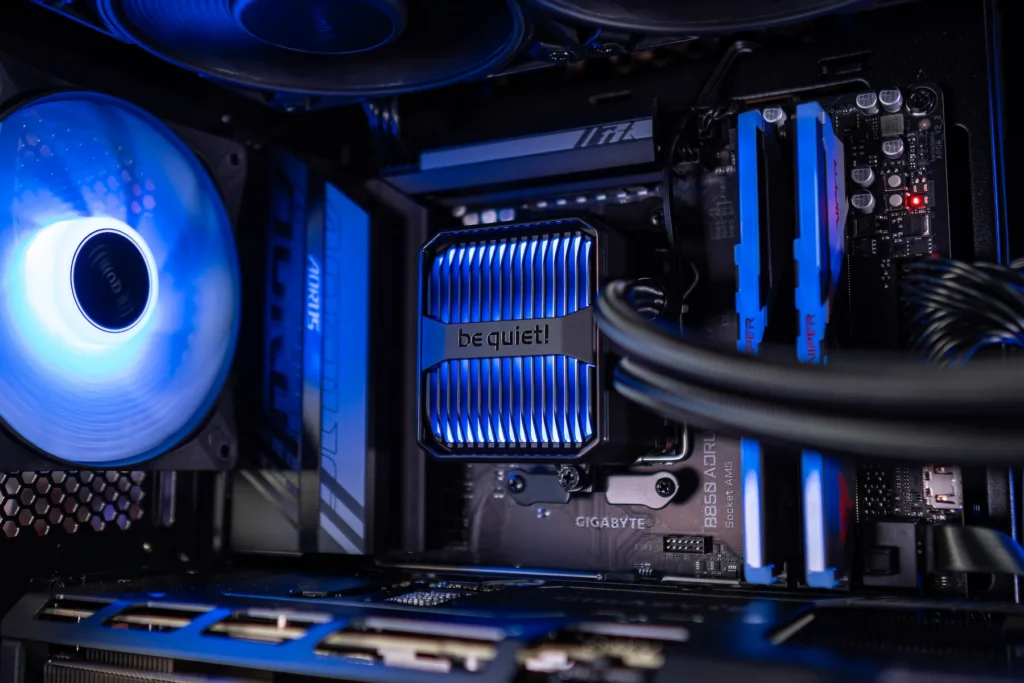
Besides the power supply, cooling plays an equally big role in stability. If your system gets too hot, it will throttle or even crash. For sim racing - where you sometimes spend hours in a session - poor cooling can ruin your whole experience.
Air cooling
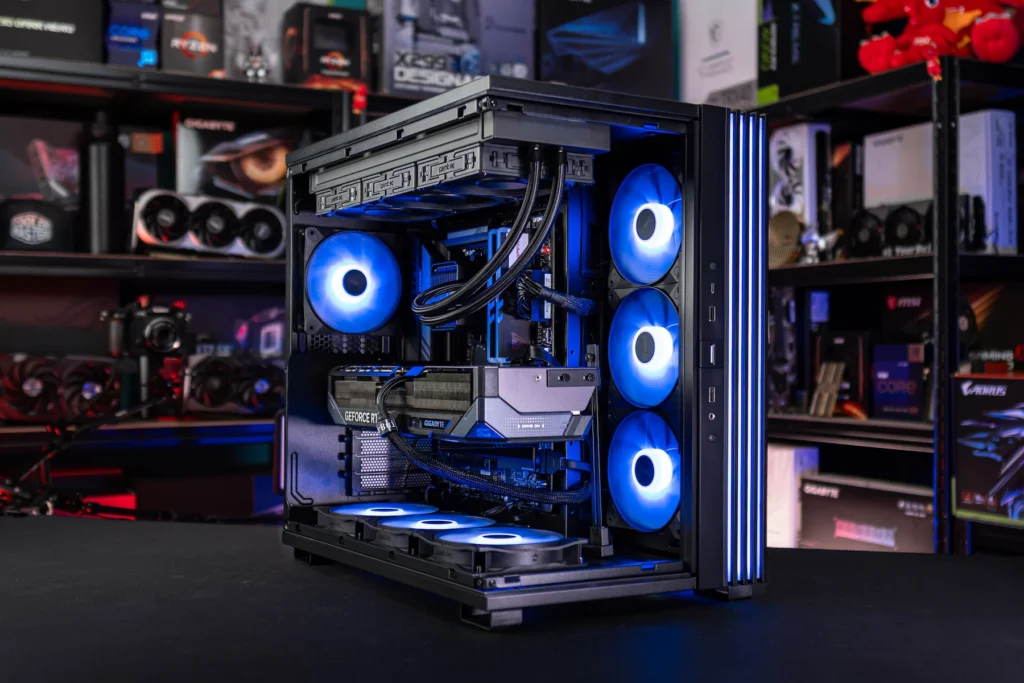
A good tower cooler with strong airflow is often enough for mid-range systems. Think of builds with one with an RTX 5070 or lower and a Ryzen 7/ Ultra 7 or lower. Pay particular attention to fan quality and positioning in your case. Poor airflow means that warm air gets trapped inside your case, causing not only your CPU but also your GPU to run hotter. Therefore, opt for a case with enough intake and exhaust fans so that you don't run into rising temperatures during long racing sessions. This may seem like a detail, but in practice it makes a huge difference in stability.
AIO water cooling
For high-end CPUs such as the Ryzen 7 9800X3D and 9 9950X3D or Intel Ultra 9, a AIO (all-in-one watercooling) almost necessary. It cools more efficiently and is often quieter. My switch to AIO made an immediate noticeable difference: lower temperatures as well as less noise during long races. I also noticed that my system remained stable for much longer during endurance sessions lasting several hours. Note: AIOs have pumps that wear out over time, so always choose a brand with proven reliability.
Custom watercourse
For real enthusiasts or extreme overclockers, a custom loop is the ultimate. This is expensive, complicated and maintenance-intensive, but offers the best temperatures and silence. It is ideal if you want absolute control over your cooling and, for example, want to integrate multiple components - CPU, GPU and even RAM - into the same loop. For 99% of sim racers, however, this is overkill, but if you like the challenge and maintenance, it is also a hobby in itself.
My advice
Invest in a PSU with sufficient margin (1000W or more for high-end builds) AND at least Gold certification. Combine this with decent cooling to match your CPU and GPU. It may sound less exciting than talking about frame rates and graphical splendour, but trust me: without a stable power supply and good cooling, your sim racing experience will literally collapse sooner or later.
Future-proof sim racing PC
You don't just buy a sim racing PC for today, but for years to come. And believe me: sim racing titles are only getting heavier. Whereas iRacing ran relatively light for years, you see that new games like Le Mans Ultimate and future versions of Assetto Corsa are making increasing demands on both CPU and GPU. Add to that the lightning-fast developments in VR, with headsets rendering close to 4K per eye, and you can see why a system that seems 'adequate' now may squeak and crack in just a year or two.
My switch from an RTX 3080 to an RTX 4090 initially seemed like pure overkill. But now I know it was the smartest investment I could have made. Triple 1440p, high-resolution VR, full grids, dynamic weather - my PC can handle it all without me having to make any concessions. What seemed like overkill then now feels like the standard. It gives me peace of mind to know that I won't have to keep upgrading in the coming years.
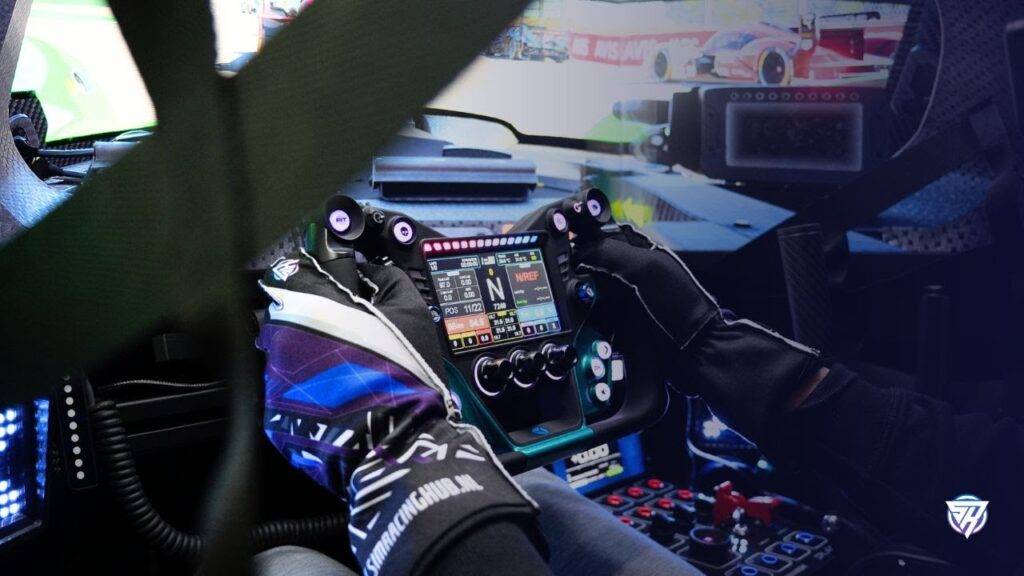
My advice: always plan a little wider than you initially think you need. Choose a CPU and GPU that can handle not only your current sim, but also the next generation. Future-proofing means less frustration, lower costs in the long run and above all: the certainty that you can race confidently tomorrow too, without concessions.
Self-built vs pre-built
I experienced it myself: my very first sim racing PC I built entirely by myself. Hours of watching tutorials, picking out parts and hoping everything would work together. It seemed like an exciting project and yes, I learnt a lot from it. But honestly? It also gave me endless frustrations. Drivers that wouldn't work, BIOS settings that drove me crazy and, above all, random crashes during races. Cheap turned out to be expensive, because I would have much rather spent the time and energy on racing itself.
"A good sim racing PC is like a race car: it is not about the most expensive component, but about the perfect balance between all the components. CPU, GPU, RAM, power supply and cooling must work together as one. That's where the difference between frustration and flow lies."
Today, I make a different choice. I work with YourBuild, specialists who know exactly which components form a stable basis for sim racing. Their pre-built systems are not only powerful, but also extensively tested. No worries about compatibility, no sleepless nights about instability - just a PC that does what it's supposed to do: let you race.
Discounts on your sim racing PC
Self-building can be fun as a hobby, but if you have serious ambitions in sim racing, reliability is more important than saving a few euros. For me, the choice is clear: I would never go back to building my sim racing PC myself.
Which sim racing PC suits you?
Choosing the right sim racing PC depends a lot on what you expect from your races. Do you just want stable laps on a single monitor, or do you want to go all out with VR, triples and multi-hour endurance races?
Together with Coen from YourBuild, I looked at three pre-built systems, each tailored to the requirements of modern sim racers. Each system is designed with the same philosophy: stability, performance and future-proofing. The difference is only in how much power you really need. Below are some pre-builds, but of course you can also build your own ultimate sim racing PC.
YourBuild Lite - Sim Racing PC
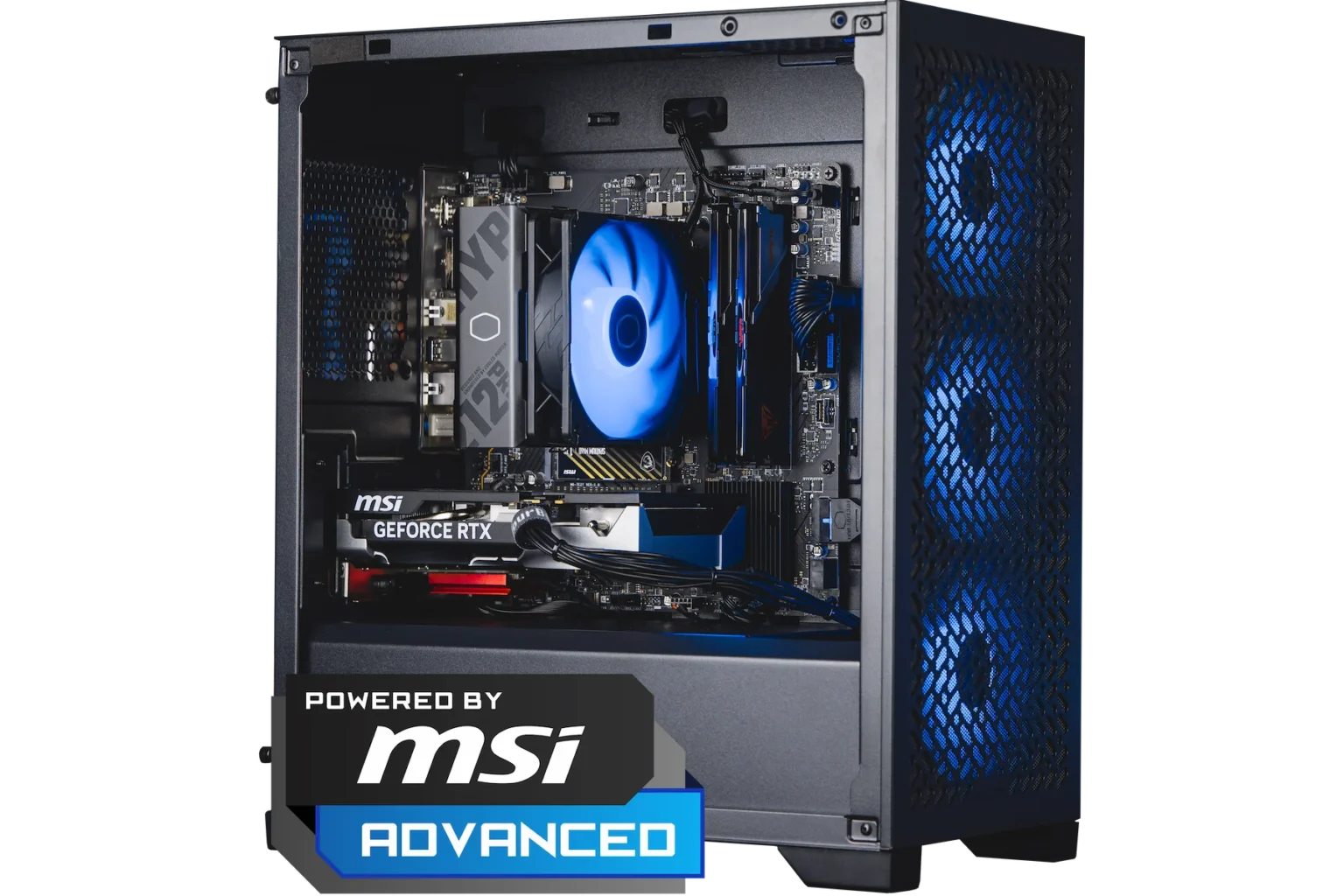
The YourBuild Lite is the ideal entry-level machine for anyone looking to get serious about sim racing, without compromising on quality.
Thanks to the Ryzen 5 7500F and RTX 5060, this build delivers surprisingly stable performance in virtually every popular sim - from iRacing to Automobilista 2. The open casing with three RGB fans ensures fresh airflow and a clean look. Perfect for those who race on a single screen in 1080p or 1440p, or just want a quiet, reliable base.
YourBuild Power - Sim Racing PC
The YourBuild Power is the perfect middle ground for those who regularly race and run heavier simulations. With the Ryzen 7 7800X3D and RTX 5070 Ti, this system combines brute processing power with efficiency. Thanks to water cooling, it stays whisper-quiet even during long endurance stints, and the 2TB SSD allows you to switch between simulators at lightning speed. Ideal for those who race with multiple screens or use VR headsets and don't want to compromise on stability.
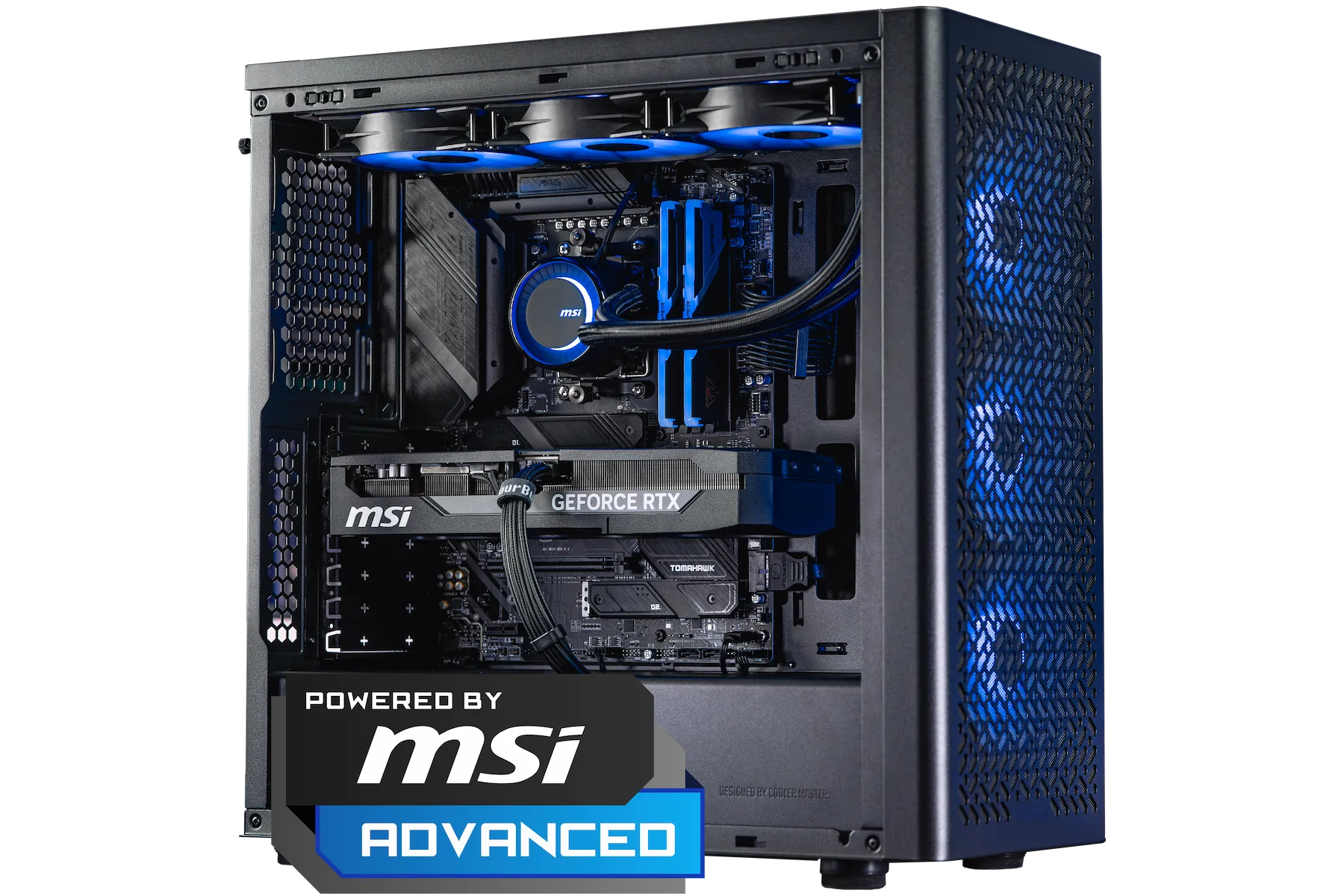
YourBuild Power
- Ryzen 7 7800X3D + RTX 5070 Ti - powerful and efficient
- Water cooling for long-term stability during heavy sessions
- 2TB NVMe SSD - space and speed for multiple simulations
Briefly: The best choice for those who race regularly and want security in any situation. From €2,299.
YourBuild Epic - Sim Racing PC
The YourBuild Epic sim racing pc is exactly what the name promises: the flagship.
Met een Ryzen 7 9800X3D en RTX 5080 is dit systeem gebouwd voor pure topprestaties, zelfs onder extreme belasting. Of je nu rijdt met triple 4K-monitoren, in VR met een Pimax Crystal Light of Crystal Super, of met volledige motion setup — deze build blijft stabiel, koel en razendsnel. De hoogwaardige waterkoeling en stille componenten zorgen ervoor dat niets je uit je concentratie haalt, zelfs niet tijdens een 24-uurs race.
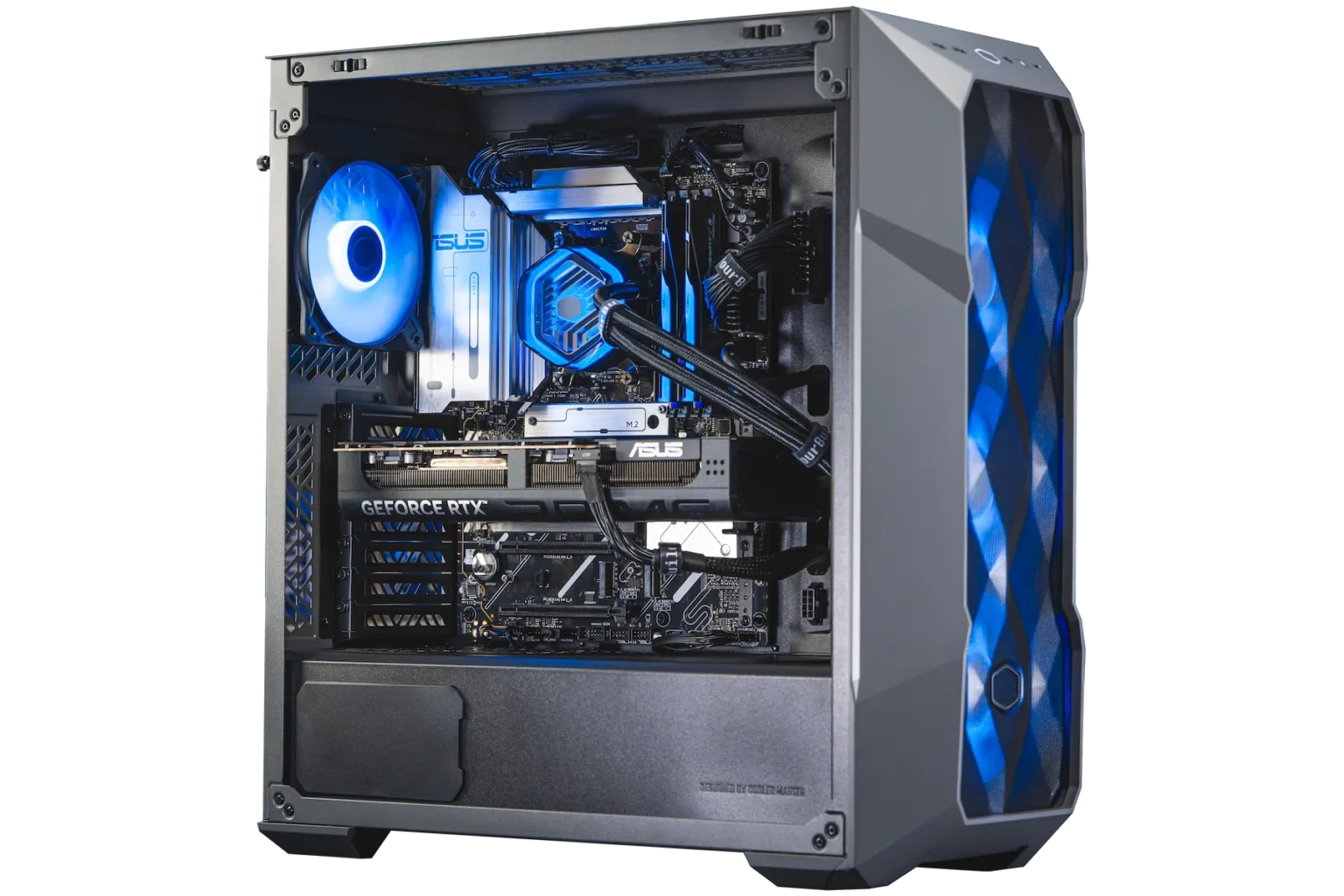
YourBuild Epic
- Ryzen 7 9800X3D + RTX 5080 - ultimate high-end performance
- Extended water cooling - cool and whisper-quiet during endurance races
- 2TB SSD + high-performance PSU - built for long-term peak performance
Briefly: The ultimate choice for those who want to get everything out of their sim racing experience. Future-proof, powerful and designed to dominate. From €2,799.
Custom build sim racing PC
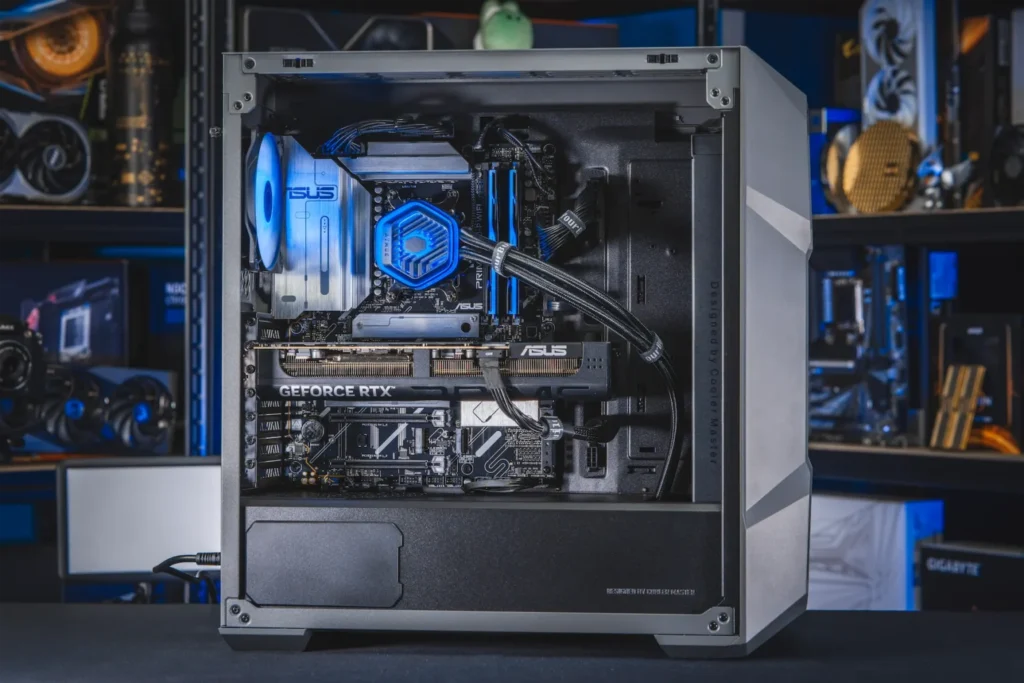
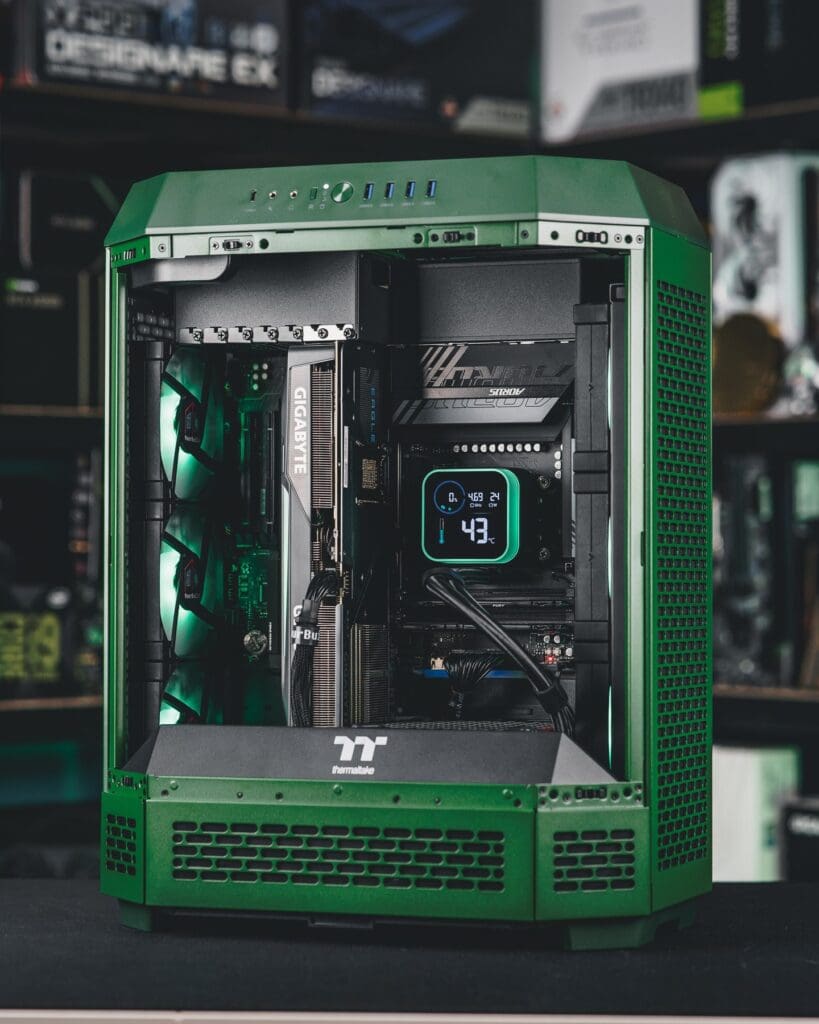
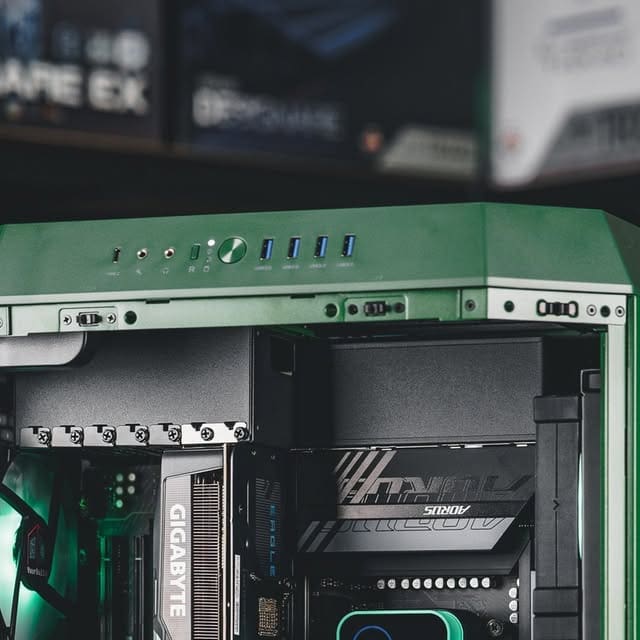
Besides these 3 pre-builds, YourBuild can also provide you with fully customised systems. Are you looking for something unique like a racing green case? Nothing is too crazy. And Bram and Coen are ready for you to put together a PC that perfectly fits your wishes and requirements.
Together with YourBuild, we will also explore unique SimRacingHub Sim Racing PCs can put together. Of course, I personally think this is super cool! So that way you have a real ‘sim racing certified gaming pc‘ 😉 But more on that later! So above all, keep an eye on us and YourBuild. But for now.......
Why choose a sim racing PC from YourBuild
When building a sim racing PC, it is not just about pure power, but above all about confidence, stability and service. This is exactly why I myself choose YourBuild. As an excusive partner, they make sure I can sim race at any time without having to worry about equipment anymore. You notice the difference not only in performance, but also in the feeling of security.
1. Built for stability and performance
Every YourBuild PC is extensively tested under heavy load. That means no frame drops, no instability and no random crashes in the middle of an endurance race. Their systems are designed to deliver hours of peak performance - exactly what you need in sim racing.
2. Personal advice from real experts
YourBuild does not build standard systems, but thinks with you. Whether you drive on triple monitors, in VR or with a motion rig: each system is put together based on your situation. It's not a one-size-fits-all approach, but customisation that feels like it was built especially for you.
3. Top components only
From power supply to cooling and GPU to motherboard - everything that goes into a YourBuild PC has been carefully selected for reliability and performance. No unknown brands, no questionable combinations. Each component is chosen because it has proven itself in practice.
“At YourBuild, it's not just about speed, it's about confidence. We build PCs that are not only powerful, but also perform day in and day out. No stress about compatibility or crashes - just get in and race.”
4. Ready to go - without the hassle
With YourBuild, you don't need to dive into the BIOS or install drivers. Each build is fully tested, optimised and delivered ready-to-run. All you have to do is plug it in and you're ready to race. That gives a sense of calm: no stress, no problems, just drive.
5. Support you can rely on
Even after delivery, YourBuild remains available for help and advice. They know their customers, and you can tell by the personal service. No ticket system or automated chatbot, just a team of enthusiasts who know how important stability is for your races. Super convenient!
6. Proven quality
With a customer rating of 4.97 out of 5 stars, based on more than 875 genuine reviews, YourBuild is among the highest rated PC builders in the Netherlands. You don't build that reputation with marketing, but with consistent quality and satisfied customers.
Limited offer - 3% discount on your next sim racing PC
Because YourBuild our loyal partner is for my own sim racing PCs may I offer you an exclusive 3% discount offer on all sim racing pc builds from YourBuild! Consciously choose a tested, silent and stable build so you can fully focus on what really matters: racing.
Discounts on your sim racing PC
My conclusion & advice for a sim racing pc
Sim racing places higher demands on your PC than any other game. It requires balance, power and stability. In this article, I have shared my experiences: from the frustrations with an underpowered power supply and unstable homebrew, to the peace of mind and security of a high-end pre-built system. What I learned is simple: invest in stability above all else.
A stable 90 FPS with consistent frametimes is more valuable than spiking to 150 FPS. A power supply with margin and decent cooling will save you endless frustrations. And a system that is future-proof gives you the freedom to race confidently for years to come.
My advice to you? Invest in a pre-built sim racing PC from specialists like YourBuild. So you can be sure that your system is built to handle the toughest titles and most demanding setups. You are not only buying hardware, but also confidence and peace of mind: the certainty that your races will not be disrupted by instability or crashes. And above all, you can focus on racing instead of building a PC 😉 Until the next one!
Frequently asked questions about a sim racing PC
What is a sim racing pc?
A sim racing PC is a powerful gaming computer optimised specifically for racing simulations. The emphasis is on high frame rates, low latency and stable performance when using steering wheels, pedals and VR headsets.
What do you need for a good sim racing PC?
A strong CPU (e.g. Intel i7 or AMD Ryzen 7), a powerful GPU (RTX 4070 or higher), at least 32GB of RAM and a fast SSD. In addition, a stable power supply (650W+) and good cooling.
What will a sim racing PC cost in 2025?
On average, between €1,500 and €3,000, depending on components, resolution and whether you also use VR. High-end builds can go up to €4,000+
What is the best CPU for sim racing?
The Intel Core i7-14700K and AMD Ryzen 7 7800X3D are excellent choices thanks to their high single-core performance, which is important for racing simulations.
What is the best GPU for sim racing?
The NVIDIA RTX 4070 Ti Super offers a strong balance between price and performance. For ultrawide or VR use, the RTX 4080 or RTX 4090 is ideal.
Is sim racing CPU- or GPU-intensive?
Both. The CPU determines physics and AI performance, while the GPU takes care of frame rate and image quality. Balance between the two is crucial.
How much RAM do you need for sim racing?
At least 32GB of DDR5 memory is recommended for modern simulations such as Assetto Corsa Competizione and iRacing.
Is an SSD important for sim racing?
Yes. An NVMe SSD significantly reduces load times and improves overall system response.
Can I buy a prebuilt sim racing pc?
Yes. Companies like YourBuild offer off-the-shelf configurations that are immediately ready for sim racing.
Can I build a sim racing pc myself?
Sure. Building your own is often more economical and you can tailor the components perfectly to your needs and budget. However, this takes more time and possibly frustration. Want convenience? Then opt for a turnkey sim racing pc.
Which monitor is best for sim racing?
An ultrawide QD-OLED (such as the MSI MPG 491CQP) or triple-monitor setup with at least 144Hz+ refresh rate offers the most overview and immersion.
What is the ideal resolution for sim racing?
1440p or 3440×1440 (ultrawide) is the sweet spot. For VR, a similar level of performance applies depending on the headset.
Does ray tracing make sense in sim racing?
Not really. It looks nice, but affects the frame rate. Realism comes more from physics, FOV and motion.
Which games place the highest demands on your PC?
Assetto Corsa Competizione, Le Mans Ultimate and iRacing demand the most from your hardware. So choose a powerful sim racing PC that is ready for the future.
Is a Sim Racing PC future-proof?
With a modern CPU and GPU (such as i7-14700K + RTX 5080), your system will stay relevant for new titles for at least 3-5 years.
Have any thoughts?
Share your reaction or leave a quick response - we'd love to hear what you think!
-
 0
0
-
0
-
0
-
0
-
0
-
0


 Nederlands
  Deutsch
  English (UK)
  Français