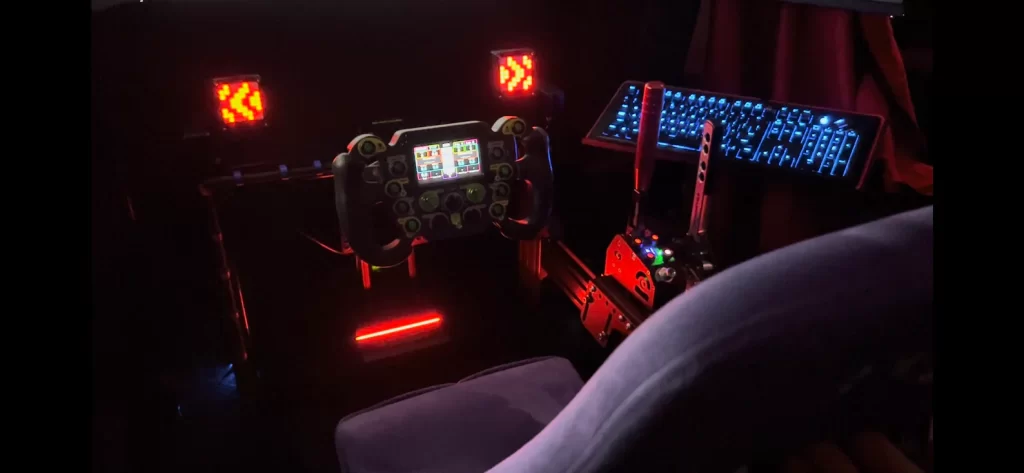
While sim racing, you are often short of eyes. Therefore, it is sometimes difficult to absorb all the information on the screen without getting distracted. It uses LED lighting to provide real-time feedback and instructions about the car's performance or the situation on the track. A simflag helps you visually take in all the information you need on the track or in the car. Here you can think of blue, yellow, white or green flags. Are you running low on fuel or is there a car in your blind spot? Want to know when to change gear or when your pit limiter is active? A flag spotter will help you! A sim flag is a powerful and indispensable tool in any sim rig!
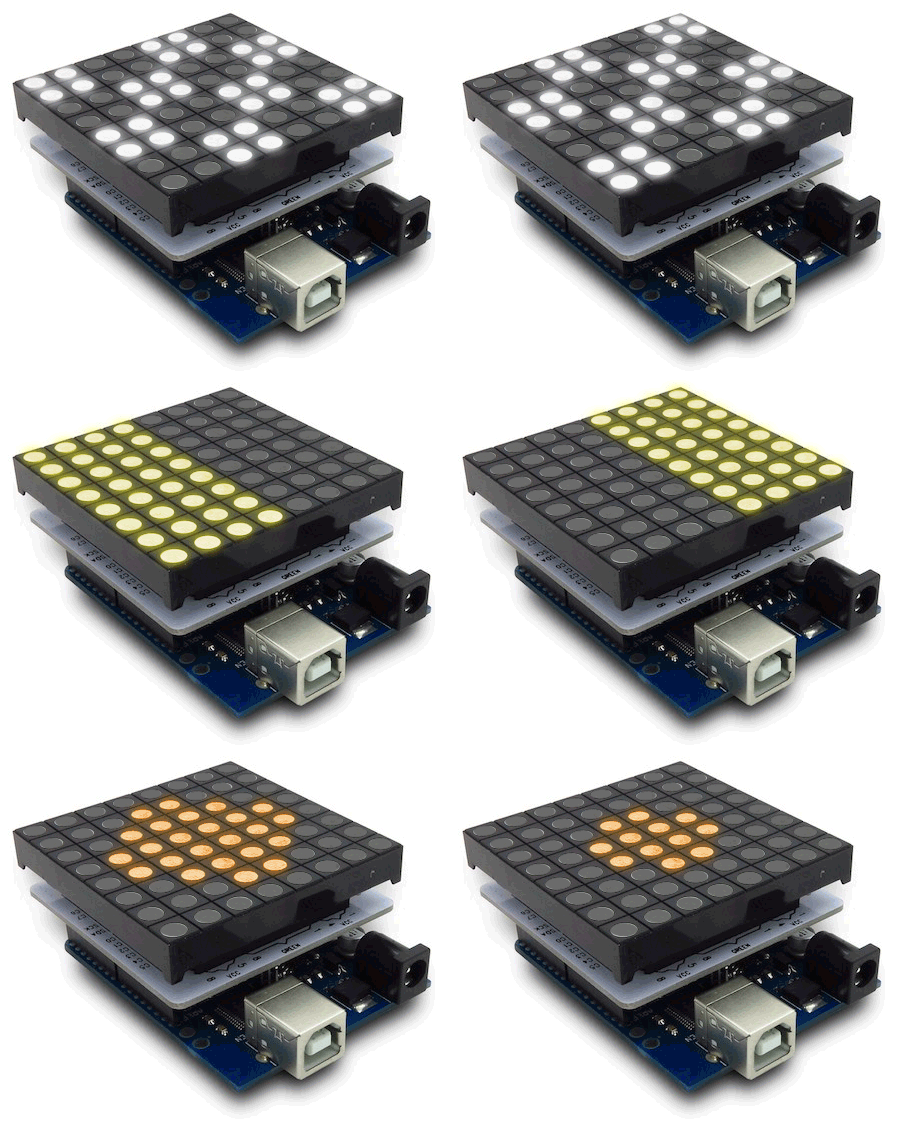
DIY project: iFlag simracing flag spotter
Making your own flag spotter is easier than you think. This is a simple project that requires only a few basic components and can be quietly started in less than 30 minutes. Cool right?
In this article, we explain how you can easily build a simflag, flag spotter or iFlag yourself! We will tell you which materials you need and give you tips and tricks to get the most out of your simflag. Are you interested in making your own simflag? If so, this blog post is definitely for you! Are you not so handy and prefer to buy an existing product? Even then, we have some very interesting products. Ready to get started? Let's go!
Which games support a simflag spotter?
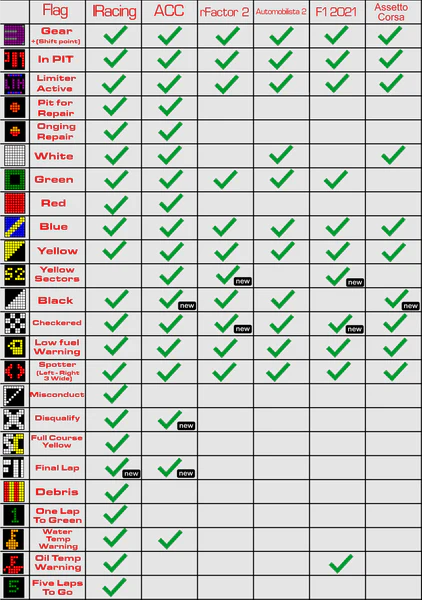
An iFlag, simflag, gear indicator, flagspotter or flag indicator are all synonyms for each other and are often used interchangeably. A flagspotter or simflag can be used for almost any sim game. It is supported by almost every popular game such as iRacing, Assetto Corsa Competizione, rFactor 2 and Automobilista 2.
However, it depends per game which signals your simflag's RGB LED can display. The original iFlag is intended exclusively for iRacing and supports most functionality and display. Other games support the iFlag software not. For this, you need other software. We will explain this later.
The list below provides a complete overview of the features and capabilities for each game!
Steps for creating a flagspotter
For this DIY project, you (thankfully) need very few materials! In just a few steps, you will have your own flagspotter. Ready to get started?
Step 1: List of required parts
With just a few parts, you can make your own (iFlag) simflag spotter. For this project, you will need the following materials:
- Arduino Uno Rev3 controller (buy on Amazon)
- Full colour LED Matrix shield & Matrix screen (buy here)
- USB cable
- Housing
Step 2: assemble the parts
This step requires little technical knowledge or experience. Putting it together is child's play! What to do.
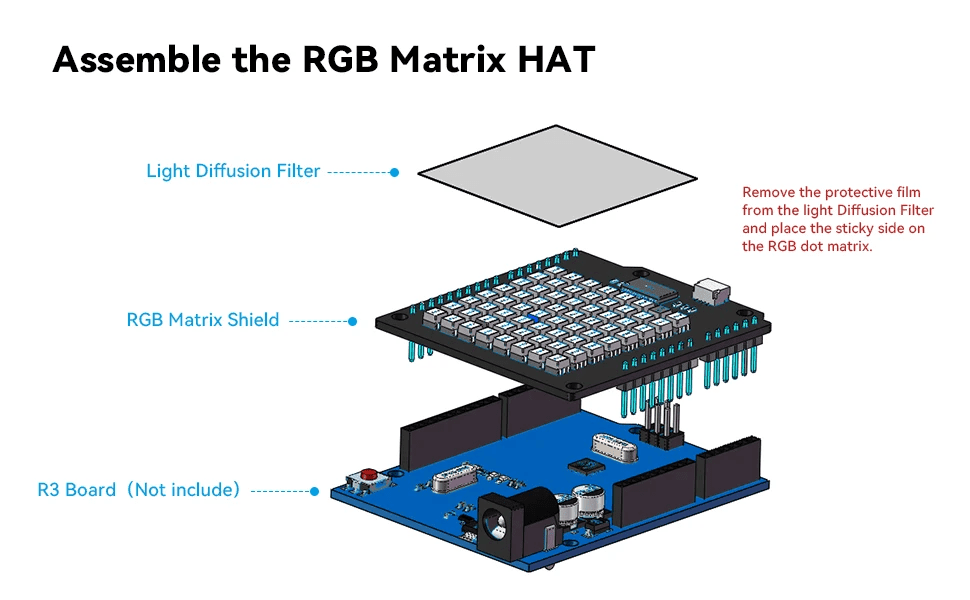
First, click the RGB LED matrix and matrix screen together and then attach them to the Aruidno Uno. Be careful to click the pins together calmly and carefully. These are sensitive and can easily be damaged.


Congratulations! You are now almost done. Now that we've put all the parts together, it's time to give your simflag an enclosure. Do you have your own 3d printer? Then take a look at Thingiverse for enclosures. Don't have a printer? Then take a look at Etsy.
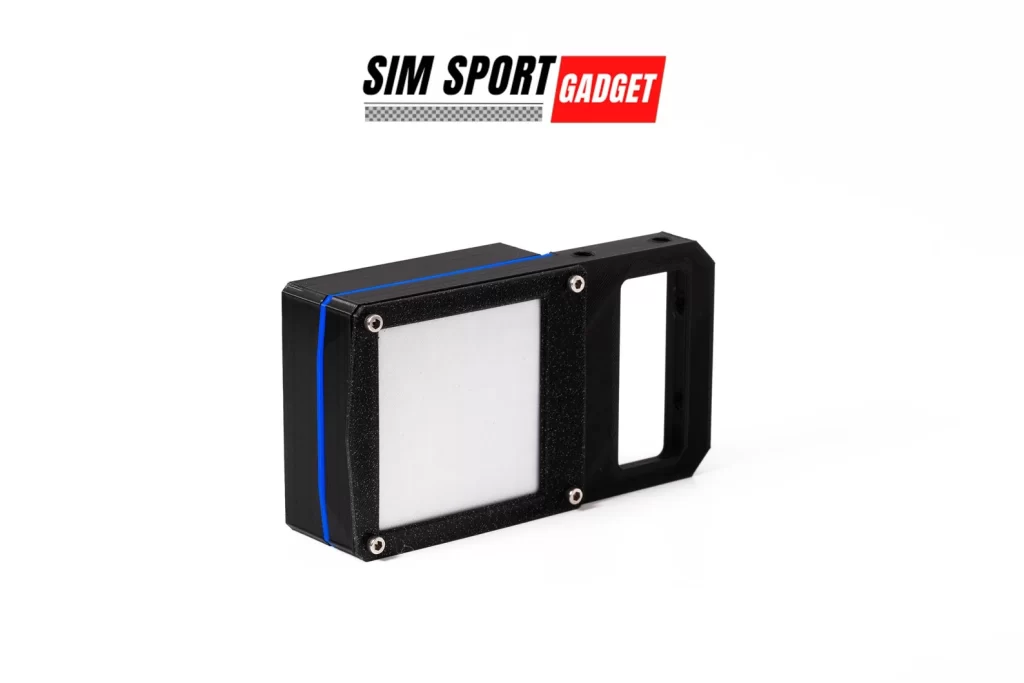
Optional: another simflag diy solution
Another solution to make your own flag spotter is by following the tutorial below from AMstudio. This option requires a bit more time, different components (such as an Arduino Pro Micro instead of an Arduino Uno) and technical knowledge. In any case, the outcome is the same! If you visit this website more often, you will notice that I have posted interesting DIY projects from AMstudio before! 😉
- Here's how to build a Sim Racing Wind Simulator!
- Make Your Own DIY Button Box In These 8 Simple Steps!

Step 3: download the software
If you opt for an iFlag (for iRacing only), download the iFlag software at GitHub. Want more freedom? Then choose the open-source software from SimHub.
Please note that this rewrites the iFlag with the correct SimHub outline. In doing so, it loses its functionality with the iFlag software.
For some time now, it has also been possible to create iFlag using SimHub. This also makes the hardware compatible with other simulations such as Assetto Corsa Competizione (ACC), Assetto Corsa, Project Cars, rFactor 2, F1 22 and many more! This software is free and offers support for more games and features.
Manual
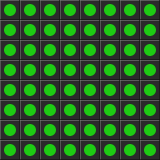

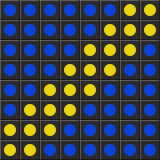



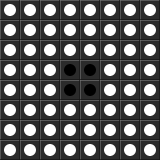


For a comprehensive guide to setting up and configuring the software click here. The possibilities are endless! The beauty of SimHub's open-source software is that you can download and import ready-made sketches or profiles, but you can also design your own flags and rendering. Some examples can be found here:
Step 4: test and race away
Now that you have configured your simflag via GitHub or SimHub, you can fire up your favourite sim and hit the track.
Not so handy? Then opt for existing solutions
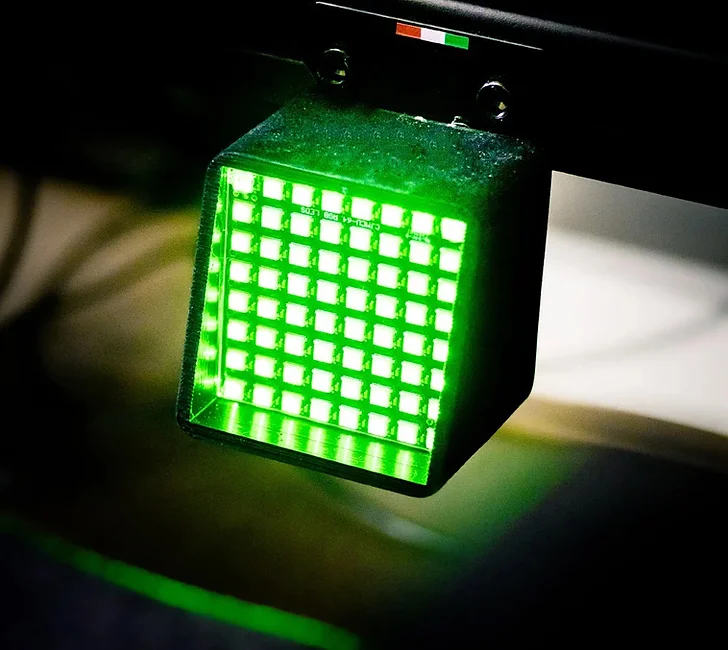
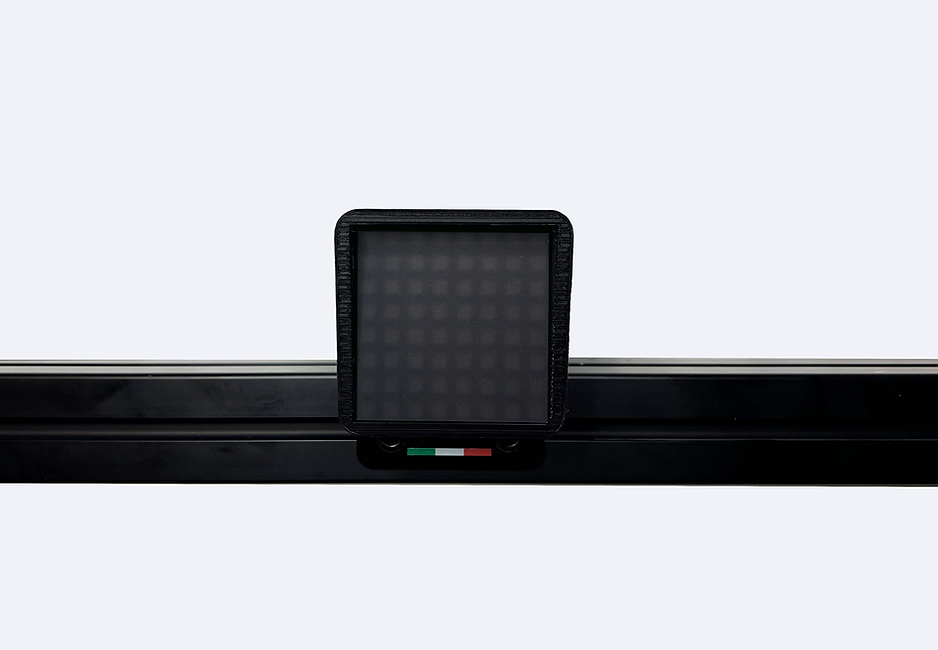
Not very handy or don't feel like making your own flagspotter? Then opt for existing solutions. Prices vary between €50 and €100. Absolute favourites as far as we are concerned are the Simflag Pro from EPlab and the sim racing flagspotter from SimRacingAddict.
Want to 5% discount on your order at EPlab? Then use the discount code ‘SRH2022‘. Nice touch, right?
Conclusion
A sim flag is guaranteed to offer a unique experience and is a must-have and true eye-catcher in any sim rig. It is a small and compact component which is easy to place and make. Another advantage is that you don't need an external power adapter. You simply connect it to your USB port. The SimHub software is super easy to use and offers many possibilities and options to anticipate every situation on the track. This allows you to keep your eyes focused on the track and you are less likely to be distracted by having to search the often small in-game screens for the right information to help you on the track. Does it make you faster? No. Is it cool? Yes. Is it indispensable? Absolutely!
More sim racing DIY projects?
Want more DIY projects for your sim racing simulator? Then check out the articles below:
- Here's how to build a Sim Racing Wind Simulator!
- Convert Your Old iPhone To A Sim Racing Dashboard
- DIY sim rig building? Here are the pros and cons!
- Sim Rig Ideas: Discover The Magic Of Foam Board!
- Building a DIY Sim Racing Roof: This is how you do it! (9 Steps)
Have any thoughts?
Share your reaction or leave a quick response - we'd love to hear what you think!
-
 0
0
-
0
-
0
-
0
-
0
-
0


 Nederlands
  Deutsch
  English (UK)
  Français