Table of contents
iRacing Custom Livery: How to create your own livery in iRacing
iRacing is a popular online racing simulation platform used by thousands of drivers worldwide. One of iRacing's key features is the ability to customise and create your own custom livery in iRacing (the colours and graphics on the car). This feature allows you to personalise your car and give it a unique look that you can use during racing sessions.
What is a custom livery in iRacing?
A custom livery is a custom colour and graphic configuration that you can apply to your iRacing car. This is a great way to personalise your car and give it a unique look that suits your personal style or brand.
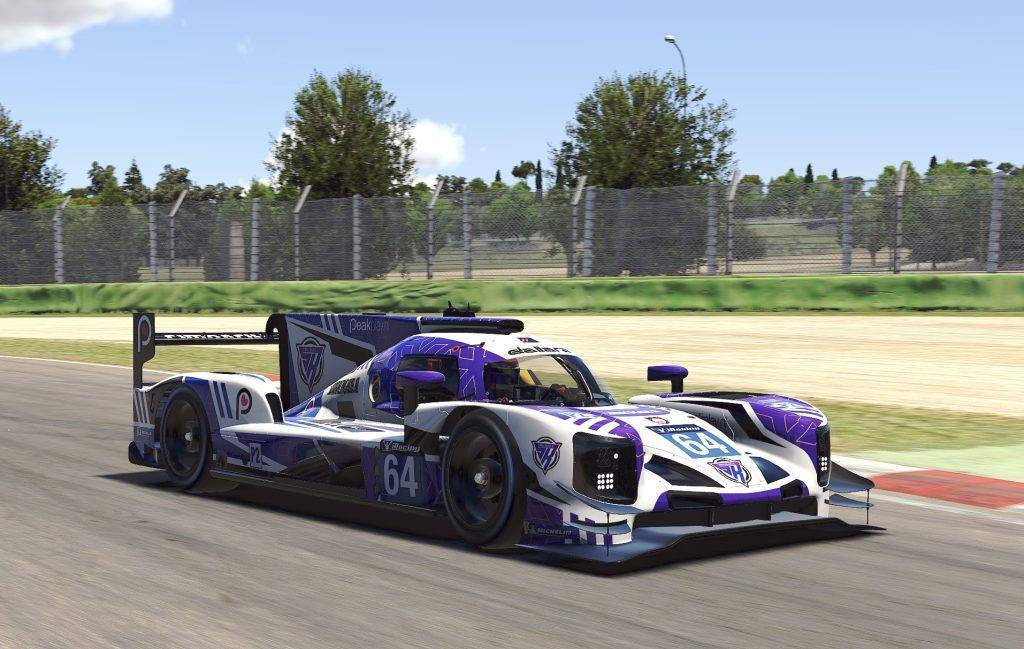
Step-by-step instructions for creating a custom livery in iRacing
To create a custom livery in iRacing, follow the steps below:
Step 1: Choose your race car and template
To start, you need to choose the race car for which you want to create a custom livery. iRacing offers a wide range of racing cars, so choose the one you want to personalise. Next, you need to create a template download from the iRacing website or Trading Paints. The template is an image file that represents the structure of the race car, so you can create your own design on it.
Step 2: Open the template in an image editor
After downloading the template, open it in an image editor. There are many different programmes available for editing images, but some popular options are Adobe Photoshop, GIMP and Paint.net. Make sure you are familiar with using the image editor you have chosen before you start editing the image.
Step 3: Design your iRacing custom livery
Now that you have opened the template or template in an image editor, you can start editing the image. Time to show your creativity! For this, you will need a graphic design software, such as Adobe Photoshop or GIMP. You can also design your own livery in the Trading Paints Paint Builder. In my personal experience, Photoshop or GIMP are the best options. I personally find Paint Builder very limited in options.
Use the tools in the image editor to customise the colours, graphics and other elements of the image. Make sure you are creative and that the livery fits your personal style. It is important to use the right dimensions of the template and to take into account the placement of sponsor logos and other details of the race car.
Step 4: Export the image
After you finish editing the image, export the image to TGA. This is the file type supported by iRacing. Make sure you save the image as an RGB image with a resolution of 2048 x 2048 pixels.
Step 5: Upload the image to iRacing
Now that you have exported the image, you can upload it to iRacing. Go to the ‘Custom Paint Schemes’ page on the iRacing website and upload the image to the car you want to customise. After the image is uploaded, you can apply it to the car during race sessions.
Tips and tricks for creating a custom livery in iRacing
Here are some tips and tricks you can use to get the most out of your custom livery:
- Define your design: Consider designing your livery based on an existing design, a theme or your favourite colours.
- Plan your colour scheme: Choose colours and patterns that match carefully and use them appropriately to create an attractive livery.
- Use templates: iRacing offers standard templates for every type of car, making creating a livery a lot easier.
- Make use of logos: Logos or other images can add dimension to your livery and provide a professional look.
- Make use of contrast: Use contrast to highlight important details and make the livery stand out.
- Think about the position of logos and images: Consider the best positioning of logos and images to ensure they stand out and are properly displayed on the car.
- Test your livery: Try out your livery before making it final, to make sure everything looks good and displays correctly on the car.
- Be creative: There are no rules when creating a custom livery, so let your creativity run wild and experiment with different ideas.
- Keep it simple: Sometimes less can be more. A simple but effective livery can look just as good as an intricate design.
- Share your livery: Don't forget to share your custom livery with the iRacing community via Trading Paints for other players to admire and use.
(text continues below images)


Trading Paints
Another popular option for creating and sharing custom liveries in iRacing is Trading Paints. Trading Paints is an online platform where drivers can create and share custom liveries with other drivers and the iRacing community.
Sharing your custom livery with other iRacing players is very easy with Trading Paints! It lets you share your creations with the iRacing community and receive feedback from other drivers. Trading Paints is also useful if you are looking for custom liveries for your own car.
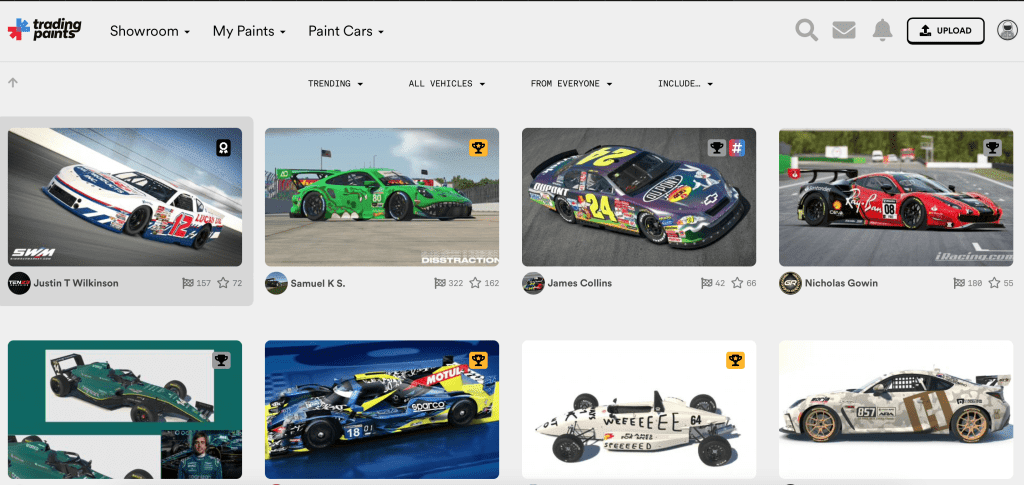
This is how to use Trading Paints in iRacing
To Trading Paints to use, follow the steps below:
- Download the Trading Paints application and install it on your computer.
- Create an account on the Trading Paints website.
- Open the Trading Paints application and log in with your Trading Paints account.
- Search for custom liveries created by other drivers or create your own custom livery using the Trading Paints editor.
- Download the custom livery you want to use or upload your own custom livery to iRacing via the Trading Paints application.
Conclusion
Creating a custom livery in iRacing is a great way to personalise your car and give it a unique look to suit your personal style. Does it make you faster? Well, no. For that, you still have good sim racing hardware needed. Admittedly, it is pretty cool to drive around in your own custom livery in iRacing!
Follow the steps above to create your own custom livery and use Trading Paints to share it with other drivers and get feedback on your creations. With a little creativity and the right tools, you can create a custom livery that stands out during racing sessions in iRacing.
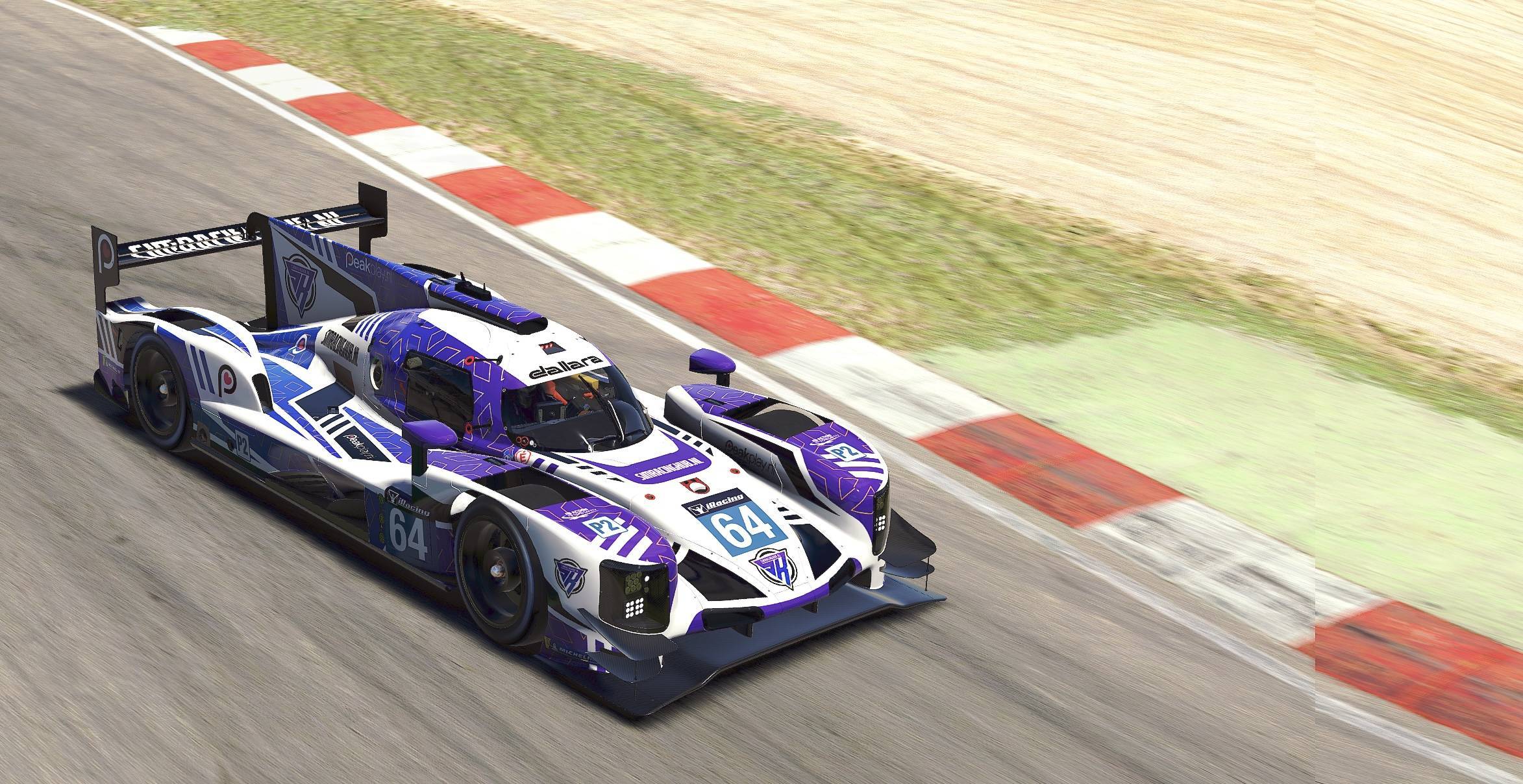
Download the SimRacingHub livery!
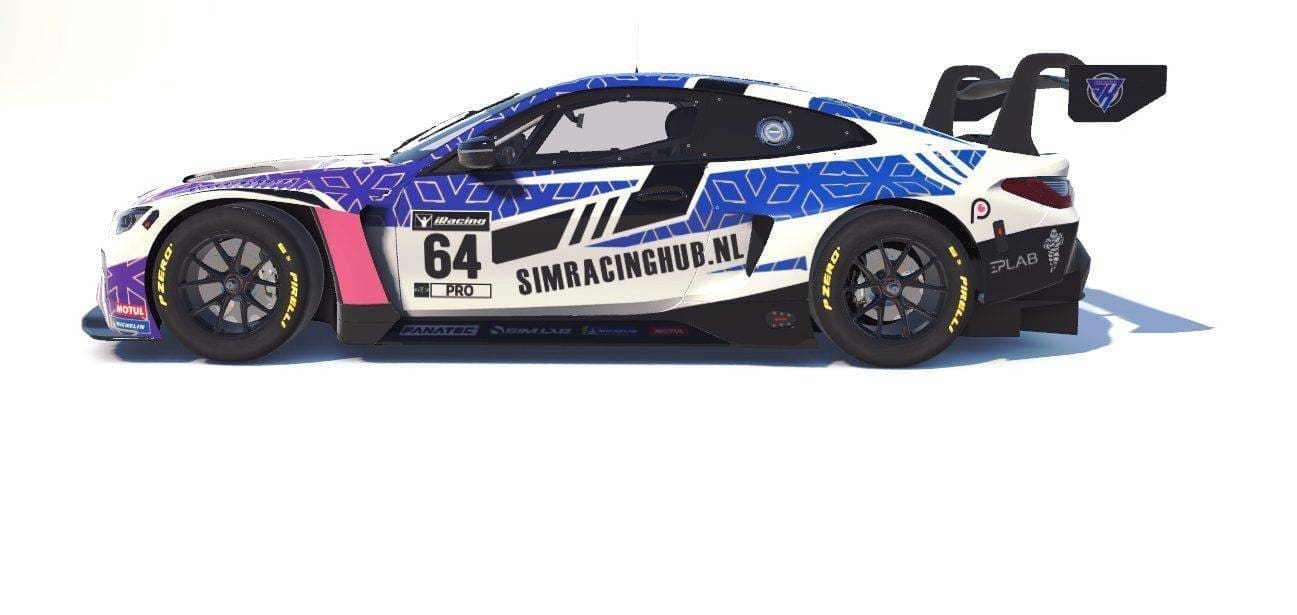
Not so creative yourself? Then download and race our own SimRacingHub.nl livery in iRacing! By doing so, you will help and support us tremendously 🙂 At the time of writing, we have livery's for the Dallara P217 LMP2, the Dallara F3 and the BMW M4 GT3. The range of cars is constantly expanding.
Have any thoughts?
Share your reaction or leave a quick response - we'd love to hear what you think!
-
 0
0
-
0
-
0
-
0
-
0
-
0


 Nederlands
  Deutsch
  English (UK)
  Français