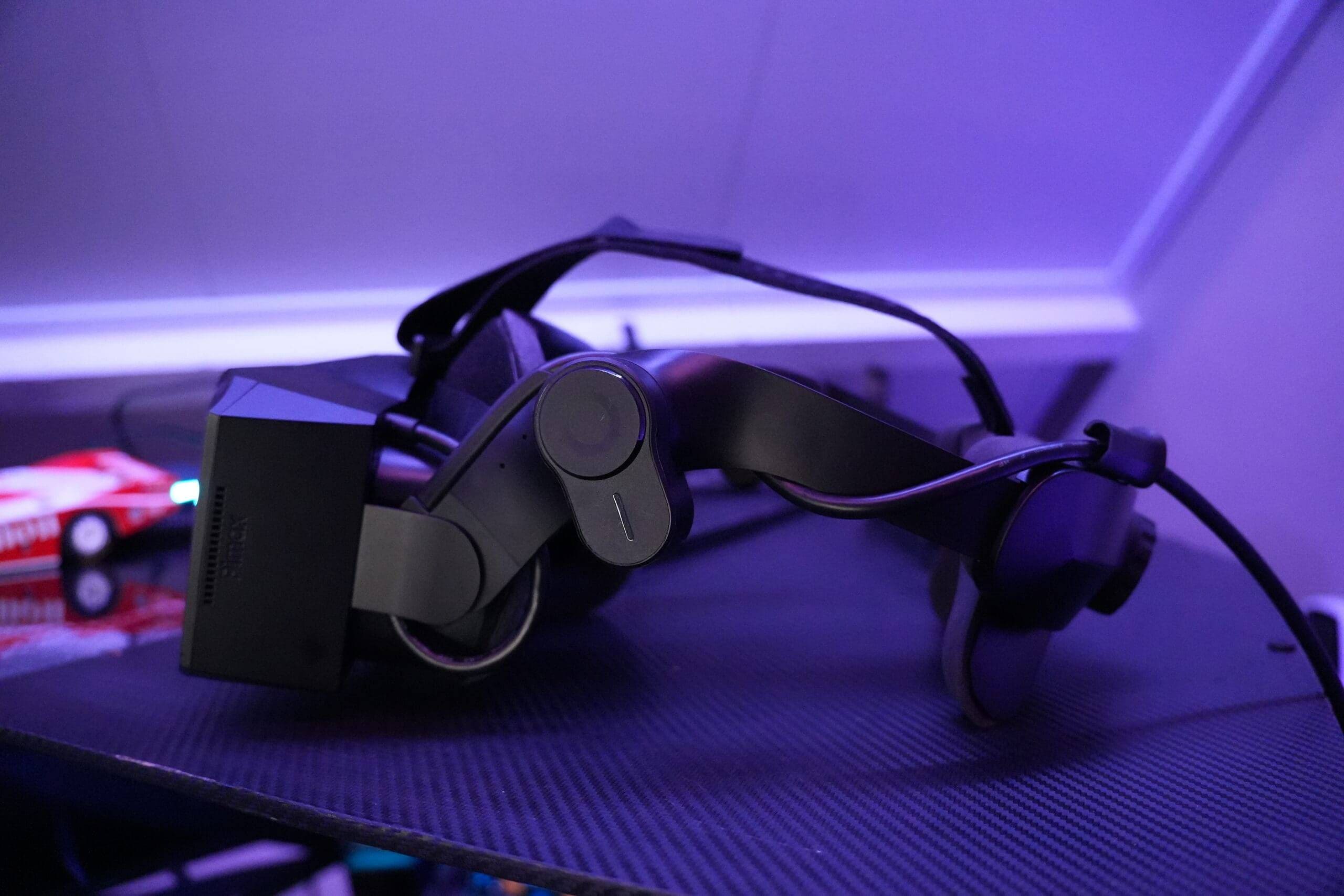
The Pimax Crystal Light is one of the latest additions to the ever-widening AND improving range of VR headsets, with Pimax also featuring the Crystal Light and Super a serious hit. Weighing just 590 grams and with an impressive resolution of 2880 x 2880 pixels per eye, this VR headset is specifically designed for sim racers, flight simmers and VR enthusiasts looking for razor-sharp visuals without the bulk of previous models. But how does this headset perform in practice, and is it a realistic upgrade for sim racers?
Voor deze review heb ik de Pimax Crystal Light uitvoerig getest in mijn eigen sim rig met verschillende populaire sim games waaronder voornamelijk Automobilista 2 en Le Mans Ultimate. Maar uiteraard heb ik ook RaceRoom, iRacing en kort EA Sports WRC getest. Mijn verwachtingen vooraf waren hooggespannen, want dit was mijn eerste VR-experience in een jaar of 5. Pimax staat bekend om hun innovatieve insteek en indrukwekkende specs, maar ook om een vaak wat ruwe gebruikerservaring. De vraag is: maakt de Crystal Light het waar? Let’s find out!
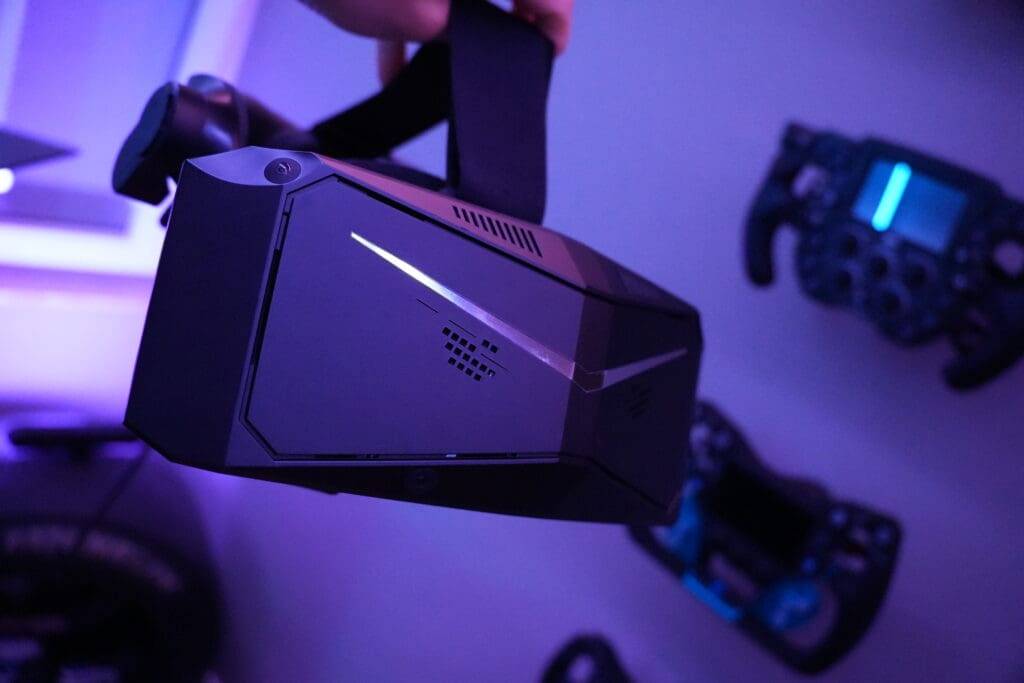
This headset was offered for review purposes by Pimax to test extensively for several months. It is worth noting that Pimax has in no way influenced the content or my opinion in this review.
My Hardware
By the way, what is good to mention is which hardware I tested this VR Headset with: For this review, I tested the Pimax Crystal Light on my fairly powerful gaming setup, consisting of a Intel i7 12700K, a MSI GeForce RTX 4090 Gaming Trio 24GB and 64 GB RAM. Despite these powerful specifications, optimal performance in VR still proved to be highly dependent on software, settings and system optimisation. But more on that later!
- 3% OFF
 simracinghubCopied
Exclusive Discount On Your Pimax Crystal Light
- 2880 x 2880 resolution per eye
- Wide FOV up to 130° diagonally
- Refresh rates up to 120 Hz
- Lightweight design with inside-out tracking
- QLED + Mini-LED display with optional local dimming
Unboxing & First Impressions
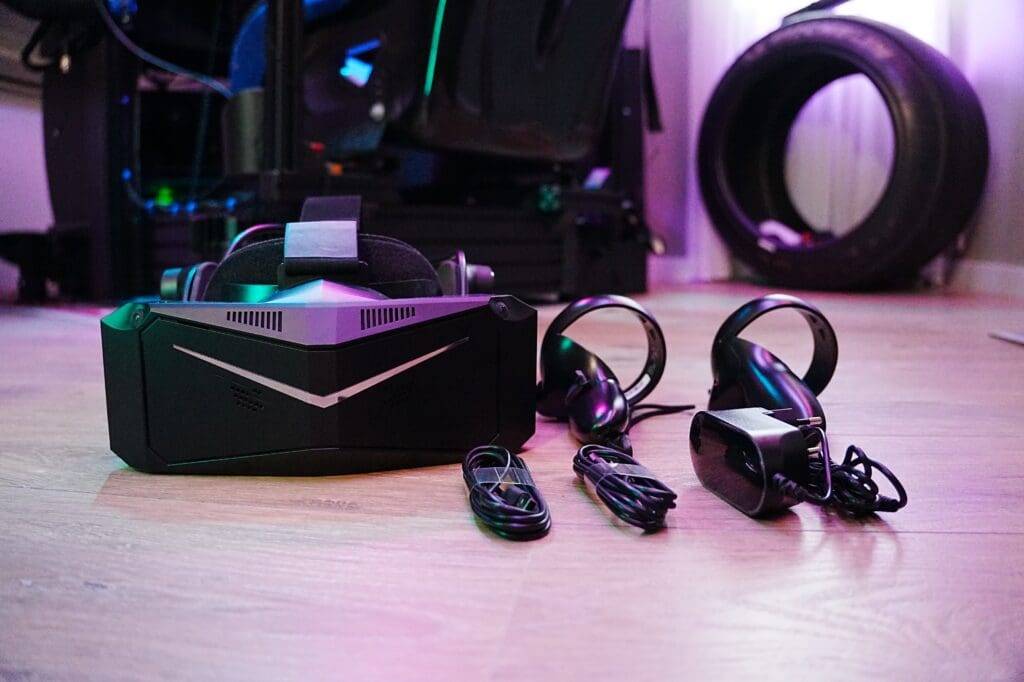
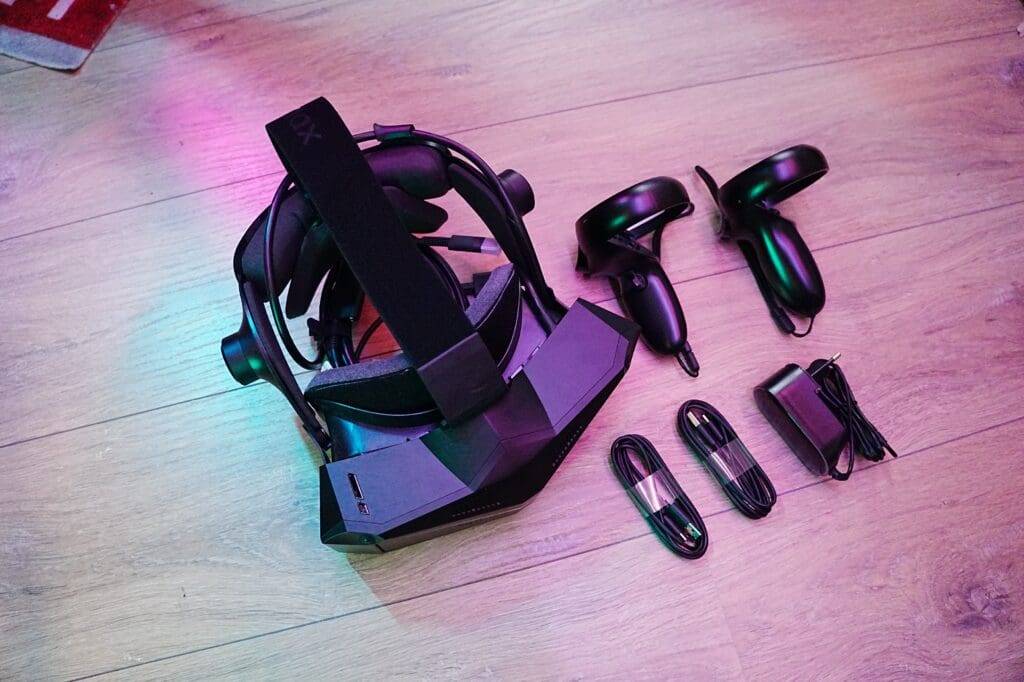
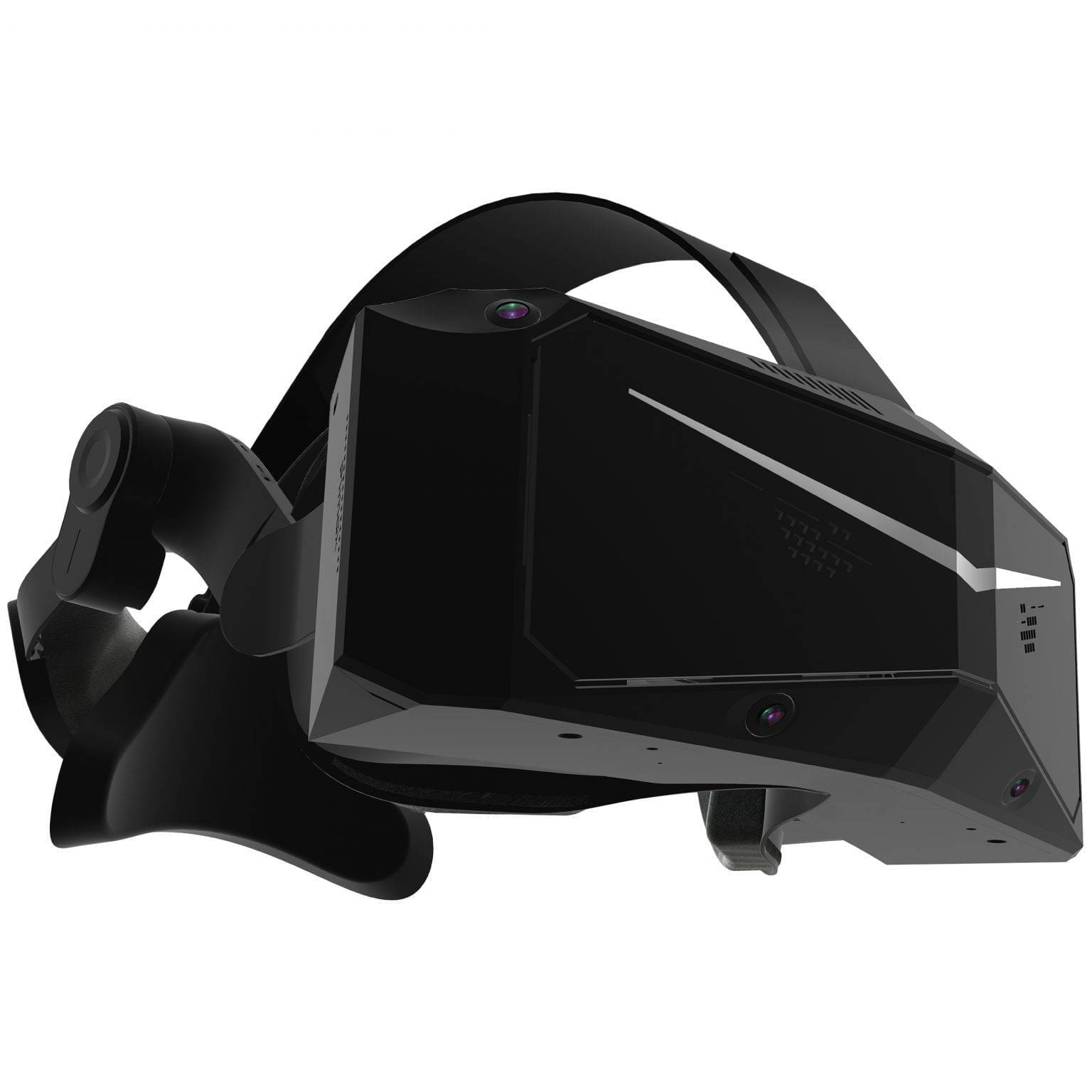
The Pimax Crystal Light comes in a sleek, sturdy box with foam protection around the headset. What is noticeable upon unpacking is the fairly large but lightweight design. The material feels solid: a mix of matte plastic and rubberised finish around the face mask.
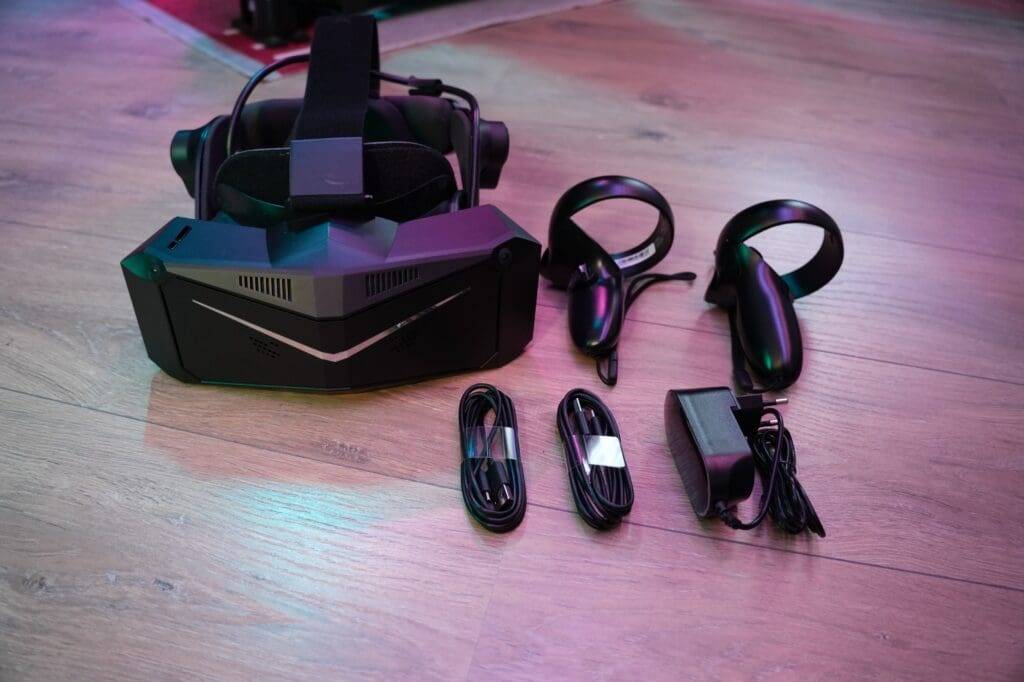
The fit seems fine at first, although the face gasket is on the thin side. The Halo harness is missing - this model uses an elastic strap.Everything looks neat and is solidly packaged. The whole thing gives a premium feel in quality and finish. In the box we find:
- The headset itself
- Two controllers
- Two USB-C cable (data + power)
- A power adapter
- Cleaning cloth
- A quick guide
Installation
Initial setup of the Pimax Crystal Light is remarkably simple. You simply connect the headset via a USB port and a DisplayPort to your GPU - and done. This basic process is literally plug-and-play and feels almost childishly simple. Within minutes, the headset is physically connected and recognised by your system. There is absolutely nothing to fault here.
Dual setup challenge
Still, the story gets a bit more complex once, like me, you use both a triple monitor setup and a VR headset. In my case, this means disconnecting two of the three monitors from my GPU each time to free up the DisplayPort for the Pimax. And that means crawling behind my simulator, switching Display Port cables and then rebooting everything. This makes the switch from screen to VR pretty cumbersome - especially if you want to drive a short VR session spontaneously.
Of course, this is not a problem that lies with the headset itself. Most sim racers opt for either a fixed monitor setup (single, curved or triple) or go completely for VR. But in my situation, where I like to use both, this physical switching process is a definite barrier. A quick switch is out of the question; it requires preparation, cable management and a few minutes of 'getting ready' before you can race.
For most users this will not be an issue, but if - like me - you use a dual setup, it is good to take this into account. A DisplayPort switch or an extra GPU socket could possibly solve the problem, but in practice it will still be a manual chore.
Interpupillary distance (IPD) - small detail, big difference
IPD stands for interpupillary distance - simply put: the distance between your two pupils. It seems like a small detail, but setting your IPD correctly is crucial for a sharp and comfortable VR experience. If this distance is incorrect, the lenses are not properly aligned with your eyes, leading to a blurry image and, in many cases, even motion sickness.
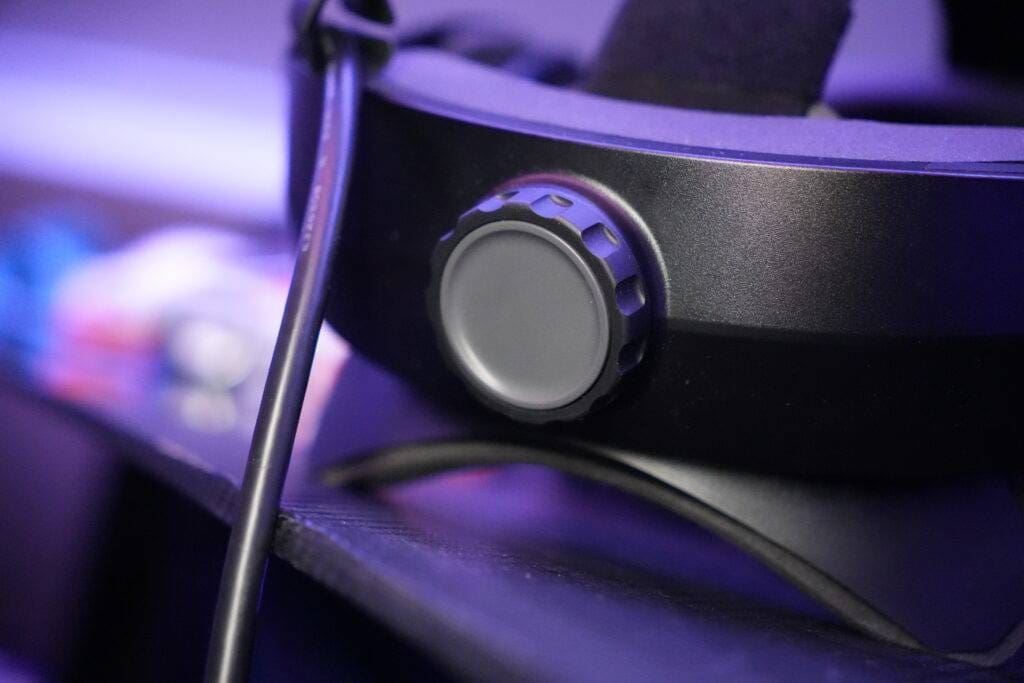
The Pimax Crystal Light offers manual IPD adjustment from 58 to 72 mm, via a button on the side of the headset. This works quickly and easily, and allows you to tailor the headset precisely to your face. Make sure you measure your IPD properly before you start - that way you will immediately get the most out of the visual quality and avoid discomfort. A good start makes the difference between ‘fun’ and ‘fully immersive’.
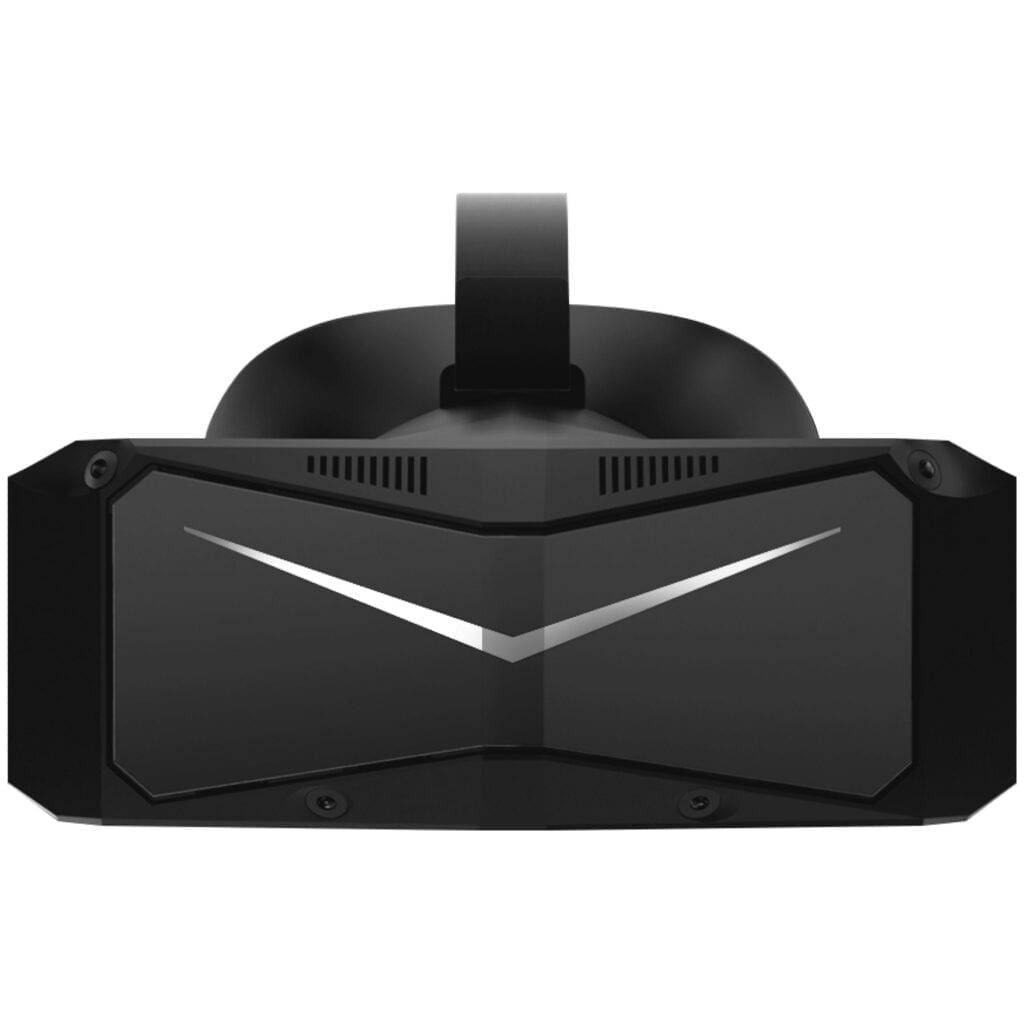
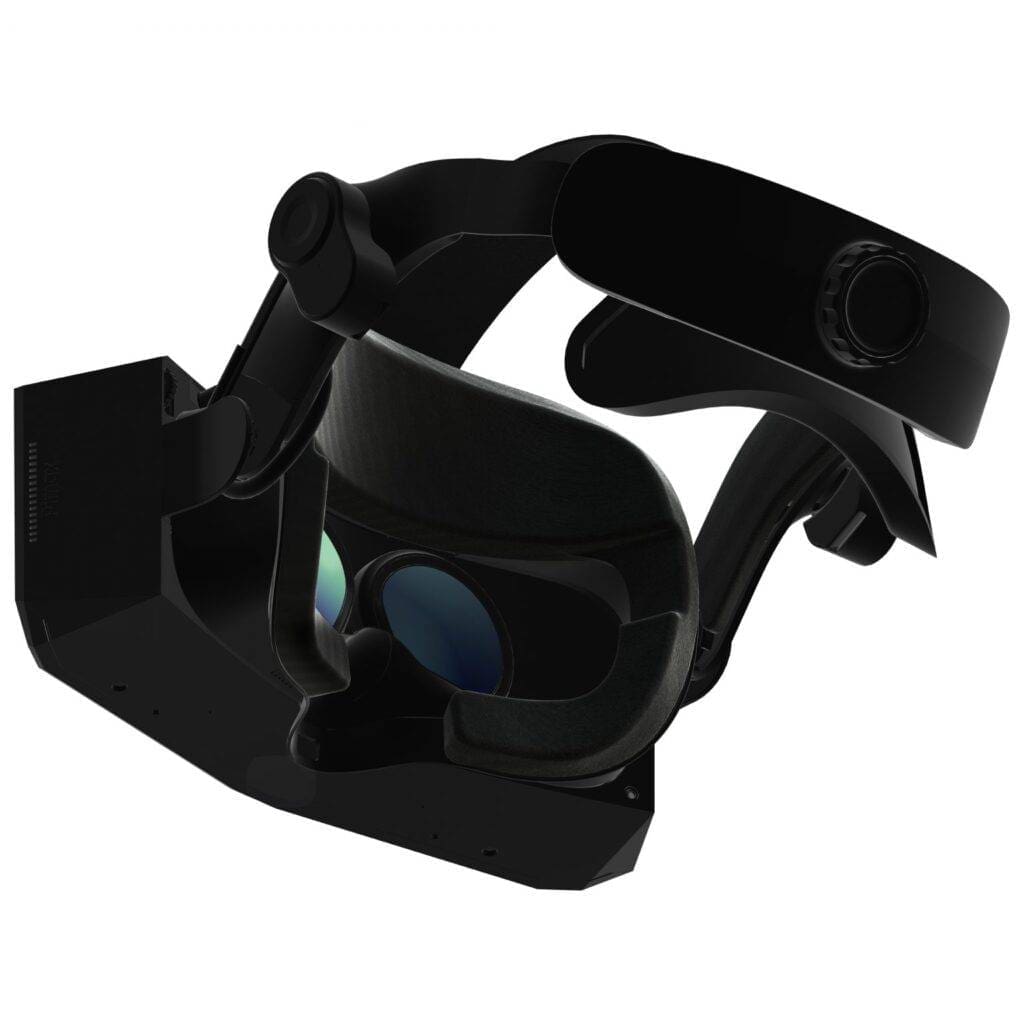
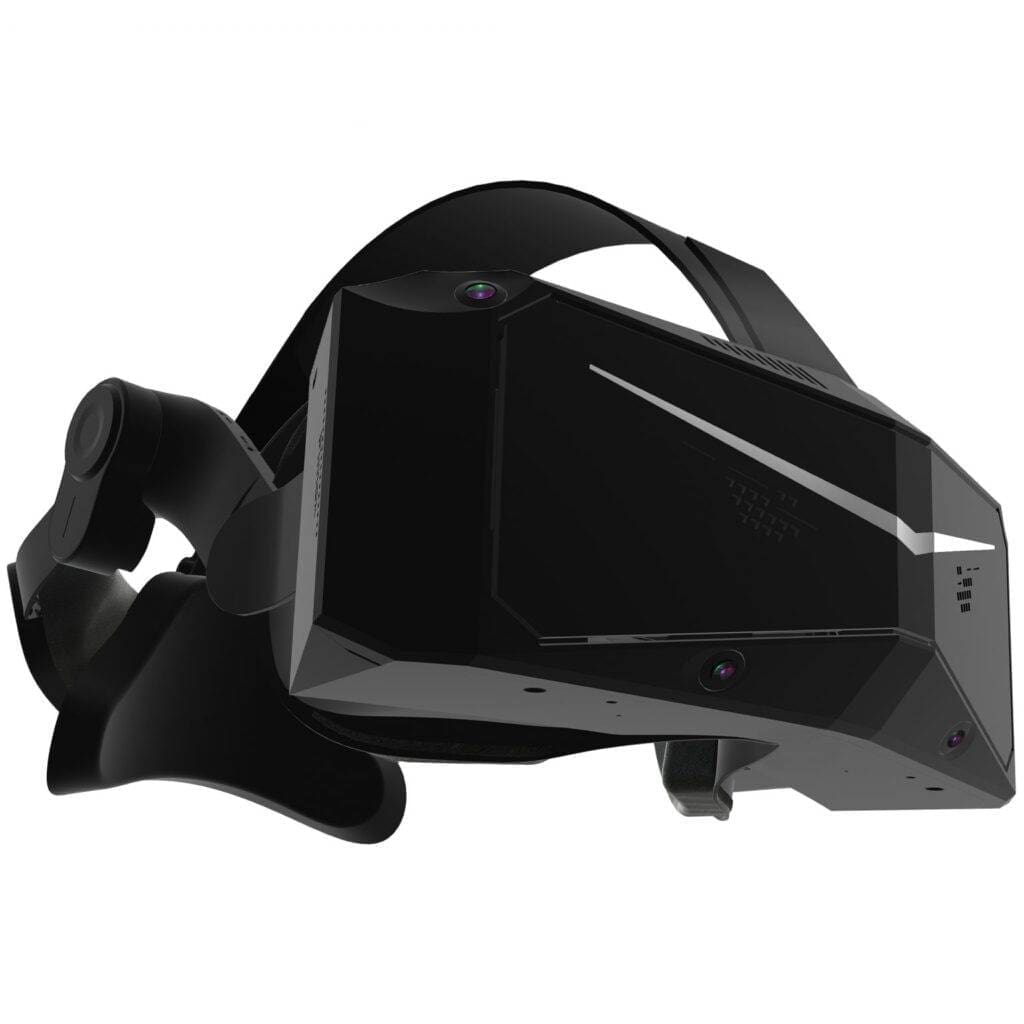
Pimax Crystal Light
De Pimax Crystal Light is een high-end PCVR-headset dat is ontworpen voor mensen die op zoek zijn naar maximale beeldkwaliteit en een brede gezichtsveld-ervaring. En daarmee is de Crystal Light uitermate geschikt voor sim racers!
With razor-sharp resolution, QLED screen technology and refresh rates of up to 120 Hz, this headset offers everything for an immersive and detailed VR experience. Below, I list the main features of this VR headset and take you through what this headset really excels at.
Price of the Pimax Crystal Light
The total price of the Pimax Crystal Light is €853, but Pimax opts for a striking payment structure. You pay €579 upfront, followed by a mandatory Prime Membership Fee of €11.39 per month for 24 months. You activate and pay this via the Pimax Play software after receiving the headset.
Pimax Prime is a membership programme that provides users with affordable access to high-performance hardware, software updates and comprehensive customer support. It aims to make VR ownership more accessible, without compromising on quality or support.
While this approach is a bit cumbersome and you are stuck with a monthly commitment, it makes the entry price low and the headset more accessible. A construction you won't easily see elsewhere, but one that - provided you know what you're getting into - is an interesting way to keep high-end VR affordable.
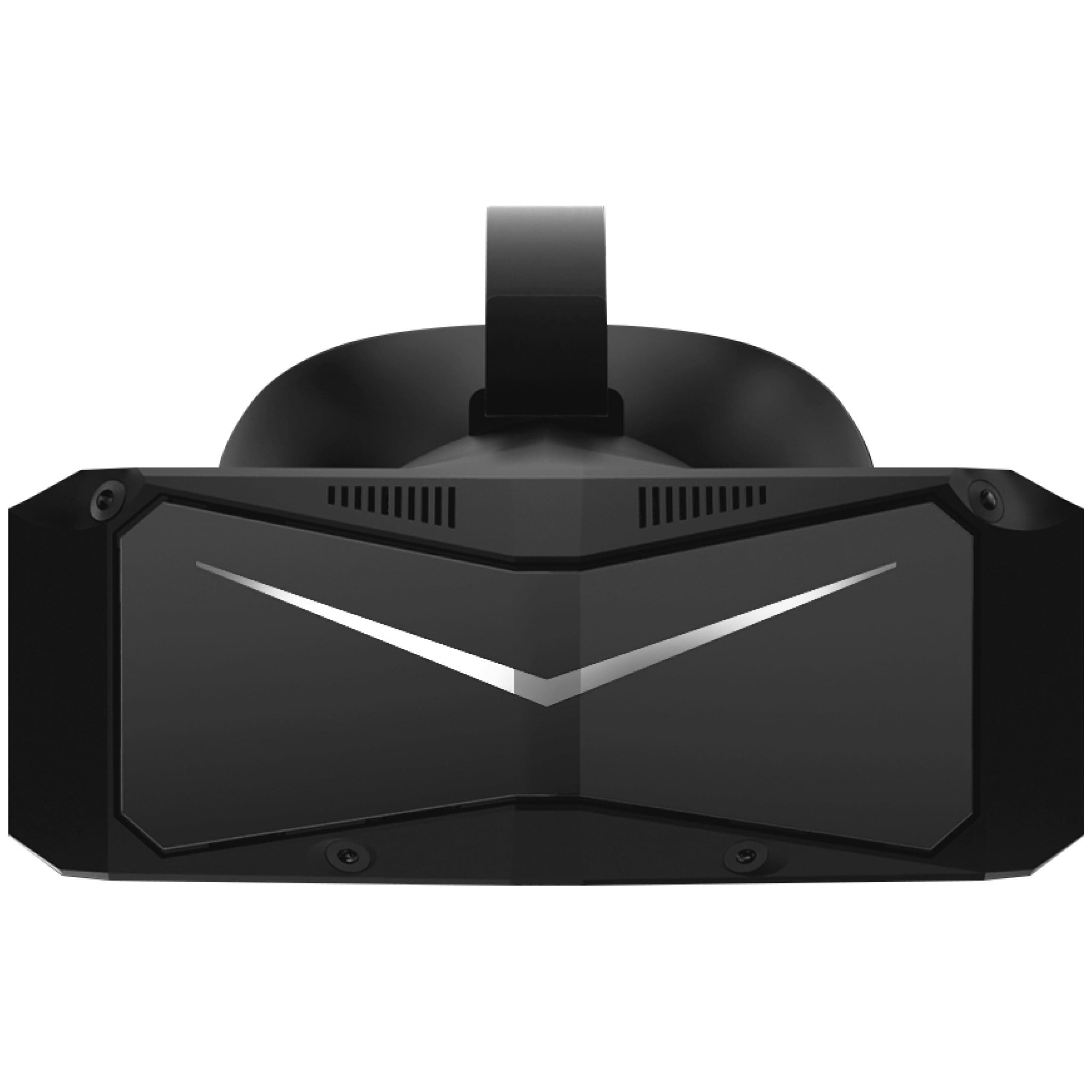
Specifications
- PCVR
- Resolution: 2880 x 2880 per eye
- Pixels per degree (PPD): 35
- Display: QLED + Mini-LED, with optional local dimming
- Refresh rates: 60, 72, 90, 120 Hz
- Field of view (FOV): 130° diagonally, 115° horizontally, 105° vertically
- Lens material: Glass
- Lens type: Aspherical
- Tracking mode: 6DoF inside-out tracking
- IPD (interpupillary distance): Manually adjustable from 58-72 mm
- Foveated rendering: Fixed (version 2.0)
- Compatible with Lighthouse faceplate: Yes
- Eye tracking: Not present
- Weight: 815g (headset only)
- Audio: Integrated audio, 3.5mm jack, 2x microphone
- Compatible with DMAS audio module: Yes
Build quality & finish
Pimax clearly focused on saving weight when designing the Crystal Light - and this is reflected in the choice of materials. Whereas some high-end headsets use aluminium or carbon for extra rigidity, Pimax opts for plastic combined with rubber accents. Despite this lighter approach, the headset feels surprisingly solid. No creaks, no flex: the whole thing is solid. Even the connections, including the DisplayPort cable, are neatly tucked away and firmly attached. Although the latter remains - as with almost every VR headset - a source of frustration, but more on that later.
The included controllers are simple, light and comfortable to hold. For sim racing they are hardly needed, but for navigating menus in Pimax Play and SteamVR, they work smoothly and intuitively. Personally, I prefer using the mouse for in-game controls, but for navigation of menus it works very nicely. Do you use this headset only for sim racing? Then one controller would actually suffice.
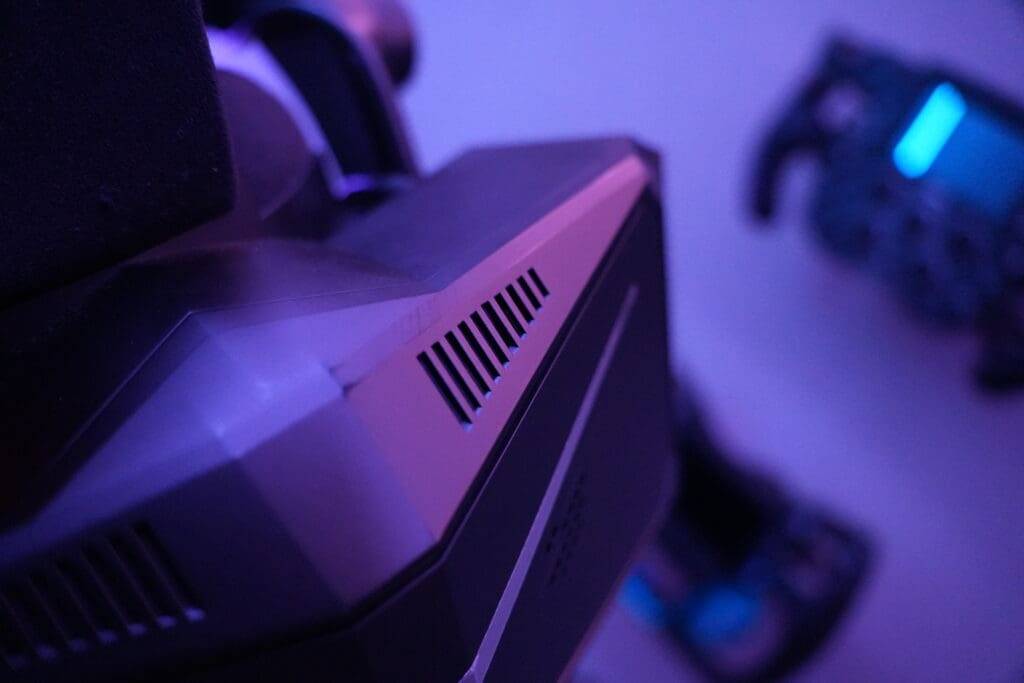
At the top of the headset, you will find two physical buttons: one for turning the display on and off and one for volume. The latter is a bit unclear on first use, as there is no icon or label on it. Moreover, the buttons feel a bit cheap and lack the tactile feedback you would expect from a premium product. Here, simplicity and weight saving have clearly been chosen over luxury finishes. Finally, on the left side of the headset you will find another discreet button to adjust the interpupillary distance (IPD) manually adjustable. It is subtly concealed but easily accessible.
All in all, the build quality of the Crystal Light is solid and functional. It is not a luxury product in terms of finish and every effort has been made to keep the weight so minimal, but solid enough for intensive use. The choices made are overwhelmingly performance-oriented.
Integrated audio
The Pimax Crystal Light features integrated audio, two microphones and a 3.5mm jack for those who prefer to use their own headset. The standard sound quality is good and more than sufficient for a convincing and immersive racing experience. Engine noise, curbstones and ambient sounds come across clearly and spatially, enhancing the immersion.
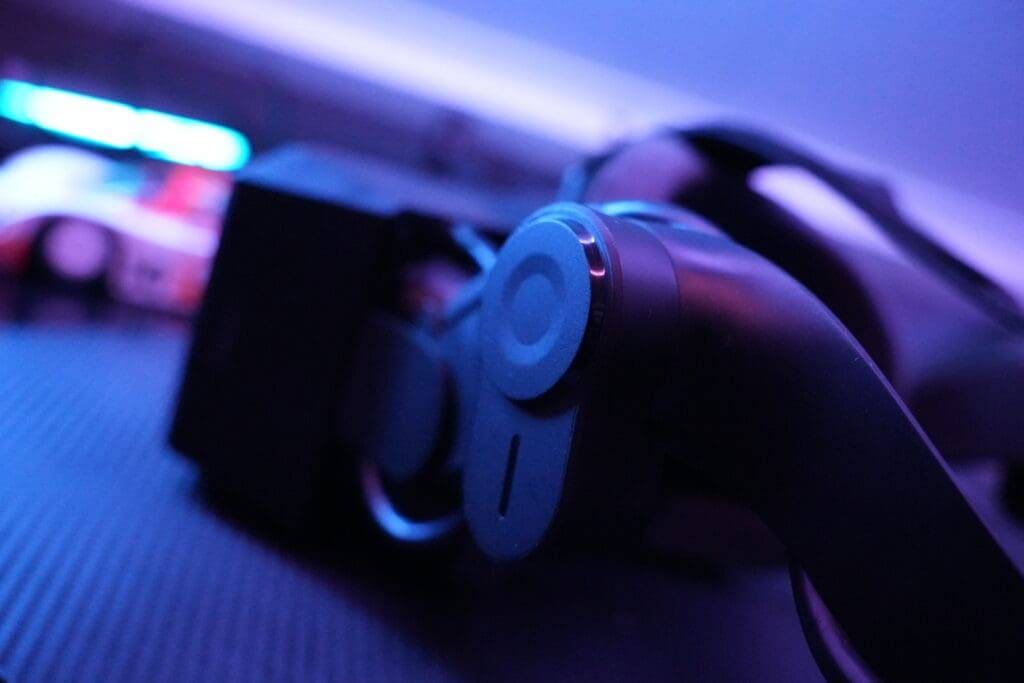
What I personally really like is that the audio solution does not cover your ears like traditional headphones. This allows for less pressure and a more airy feeling during long sessions, while still being fully immersed in the sim's sound.
Display and resolution
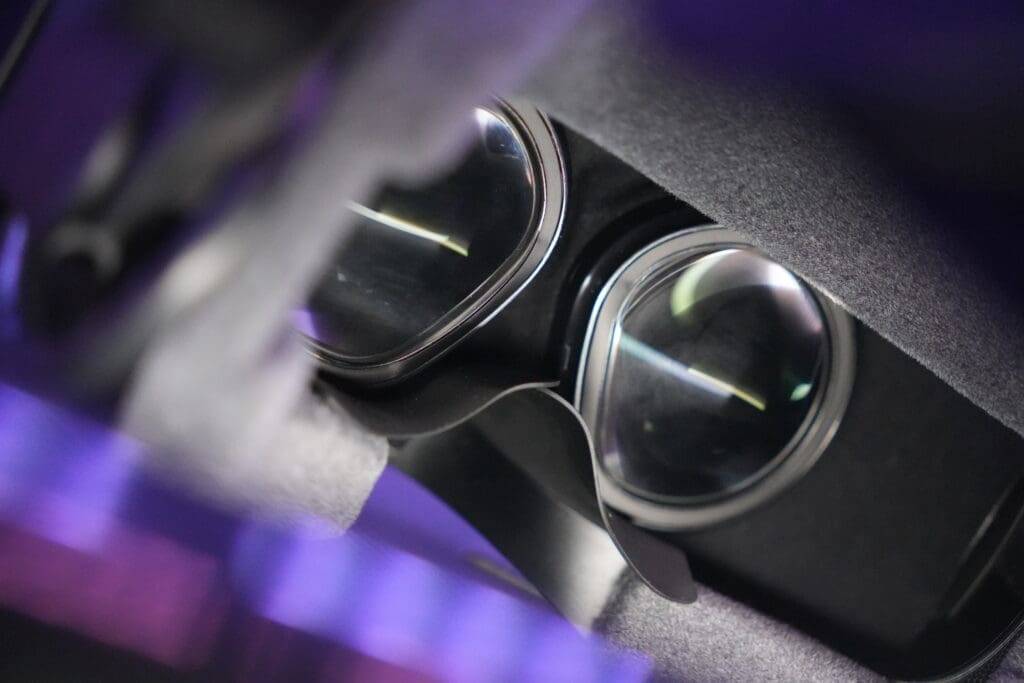
In terms of specifications, the Crystal Light is one of the better VR headsets at the moment. The image quality of the Pimax Crystal Light is nothing short of stunning. With a resolution of 2880 x 2880 pixels per eye and a pixels-per-degree (PPD) of 35, the headset delivers exceptionally sharp and detailed images. Dashboard text, curbstones and rubber stripes are rendered razor-sharp. Above all, the absence of the ‘screen door effect’ ensures a crystal-clear display with no visible pixel structure. This directly contributes to precision and control during racing.
The QLED + Mini-LED display, combined with local dimming, ensures deep blacks and vibrant colours. Especially in high-contrast situations - such as races at dusk or night - this technology comes into its own. Light distribution is even and brightness excellent, without overexposing bright elements.
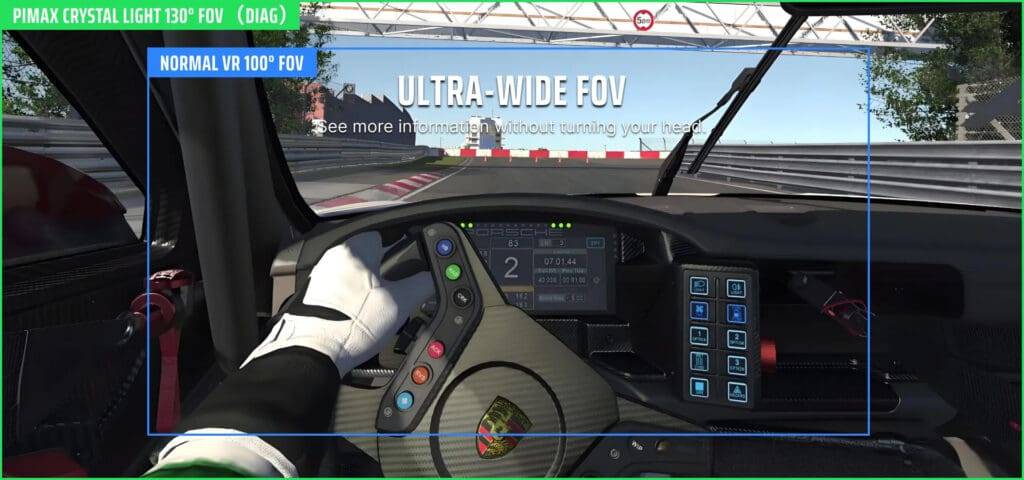
What really sets the Pimax Crystal Light apart for sim racing are its refresh rates of up to 120 Hz and wide field of view of 130° diagonally (115° horizontally, 105° vertically). A high refresh rate is crucial for smooth, natural reproduction of fast steering, braking and lateral movements. Lower frequencies can lead to motion blur or a slowed-down feel - something you definitely don't want in a competitive sim race.
The wide FOV significantly increases your peripheral vision, greatly improving your situational awareness on the track. You see opponents earlier in the corner of your eye, have a better sense of where your car is and experience the cockpit on a realistic scale. No tunnel vision, but a panoramic perspective much closer to a real driving experience.
In short: this combination of high resolution, powerful display technology, fast refresh rates and wide field of view make the Crystal Light one of the most compelling visual experiences you can have as a sim racer. It doesn't just feel like you are in the car - it convinces your brain that you are actually there.
Weight and comfort
The Pimax Crystal Light is surprisingly comfortable to use. Despite its relatively high weight of 815 grams, the good weight distribution makes the headset feel solid and stable, without pressure points or discomfort. During longer sim sessions, the headset stayed comfortably in place without me feeling like I had to adjust or readjust it every time. The only discomfort I experienced was drying out contact lenses.
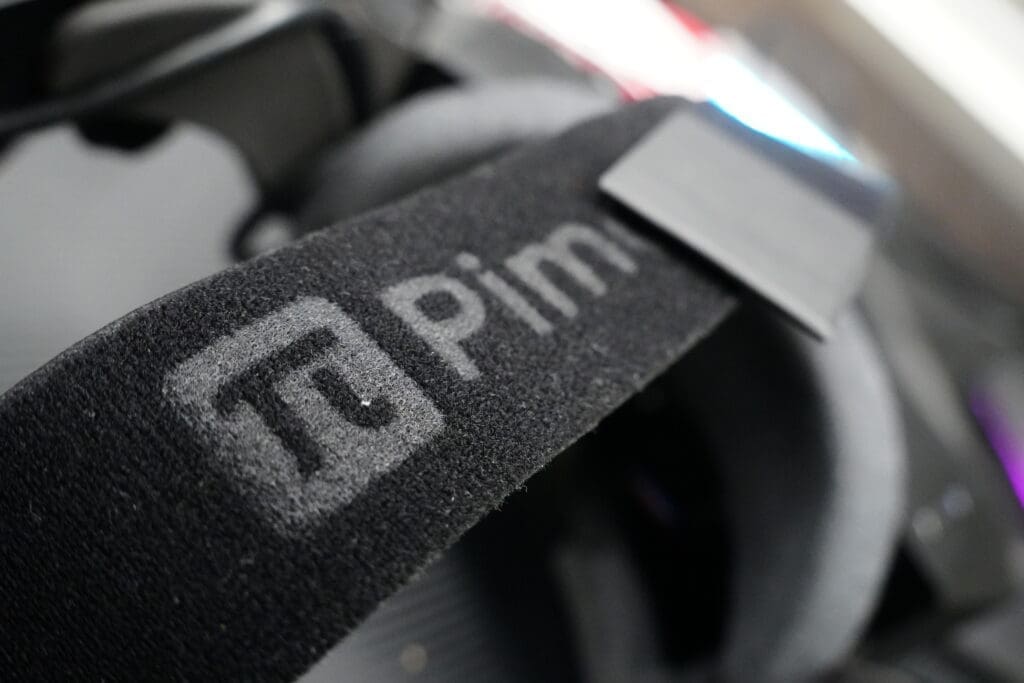
Adjusting the headset is easy and intuitive. The elastic strap is quick to adjust to the shape and size of your head and provides plenty of support without pinch points. You simply put it on, adjust the tension with the Velcro straps, turn the knob on the back and done. Simple and effective!
Because I used the headset exclusively for sim racing, where you move relatively little, everything stayed neatly in place. So for this type of use, the comfort is more than adequate, although the sim racing chair that you use do cause discomfort.
The foam around the face gasket feels soft and does not cause irritation, even during long sessions. Light leakage is minimal, depending on your face shape, and the headset fits snugly around the face. Comfort is fat. Adjustment is quick, and once properly placed, the Crystal Light sits just fine - which is exactly what you want if you want to be fully immersed in your sim race.
Performance: impressive, but demanding
While the Pimax Crystal Light has a lot to offer visually, it is definitely not a lightweight when it comes to PC system requirements. Even on a reasonably powerful sim rig, achieving consistently high performance is a challenge. The high resolution and wide FOV are great for the experience, but also demand a lot from your GPU and CPU.
One of the most common problems is stuttering - brief hiccups in image playback where frames temporarily get stuck or do not play smoothly. This feels as if the image briefly ‘freezes’ or moves jerkily, and can break the immersion considerably. This is particularly noticeable during fast steering movements or when looking back in the cockpit.
In addition, FPS drop (frame rate drop) occurs regularly, where the number of frames per second drops temporarily. This results in a less fluid experience and is seen especially in heavier situations such as heavy traffic, rain races or graphically intensive tracks. VR session startup can also be slow at times, especially when switching between monitor and VR mode.
What I often find in practice is that, unfortunately, I spend more time tweaking settings than I care to. Finding the right balance between performance and visual quality is an ongoing process. Sometimes everything runs smoothly and looks beautiful on high settings, but the next session - with exactly the same settings and environment - can suddenly be accompanied by hefty performance drops. This makes it unpredictable and frustrating.
It's a shame that you are regularly forced to turn down graphics settings, as this comes at the expense of the impressive visual experience that the Crystal Light excels at precisely. Especially if, like me, you have no deep technical knowledge of VR optimisation, it often feels like guesswork.
Fortunately, what does give hope: after a fresh reinstallation of Windows 11, I noticed a marked improvement in stability and performance. That shows there is definitely potential, provided your system is properly cleaned and optimised. But it remains a shame that you have to invest so much to get the most out of it - because that immersion is absolutely worth it, once everything is running properly.
So performance is highly dependent on your hardware, settings as well as the optimisation of the game itself. With some tweaking, a lot can be gained, but don't expect to run everything at ultra without compromises. Crystal Light rewards powerful systems, but also ruthlessly exposes its weaknesses.
Software
The Pimax Crystal Light is controlled via its own software environment Pimax Play, where you can adjust refresh rate, brightness, local dimming and other picture settings, among others. Firmware updates are also done via this central hub. The user interface is clear, modern and intuitive. All menus are logically structured and easy to operate - even in VR.
That said: it takes some time to become fully familiar with how both Pimax Play and the VR environment itself work. Especially if you are new to VR or switching from a simpler platform, it takes time to understand the various options and use them efficiently.
Besides Pimax Play, in practice you often use SteamVR as an intermediate layer to start your games and set up tracking. In my experience, SteamVR tends to work more stably and I usually choose this as the default. Pimax Play is handy for basic settings, but does not yet feel as mature or robust as other VR platforms.
Therefore, the combination of two software layers can sometimes feel a bit cumbersome, but with a bit of getting used to it, the whole thing works fine. You do notice that the software is still in development - functionally and visually fine, but here and there it still lacks the refinement and stability of the established names. Fortunately, Pimax regularly releases software updates and bug-fixes.
User experience
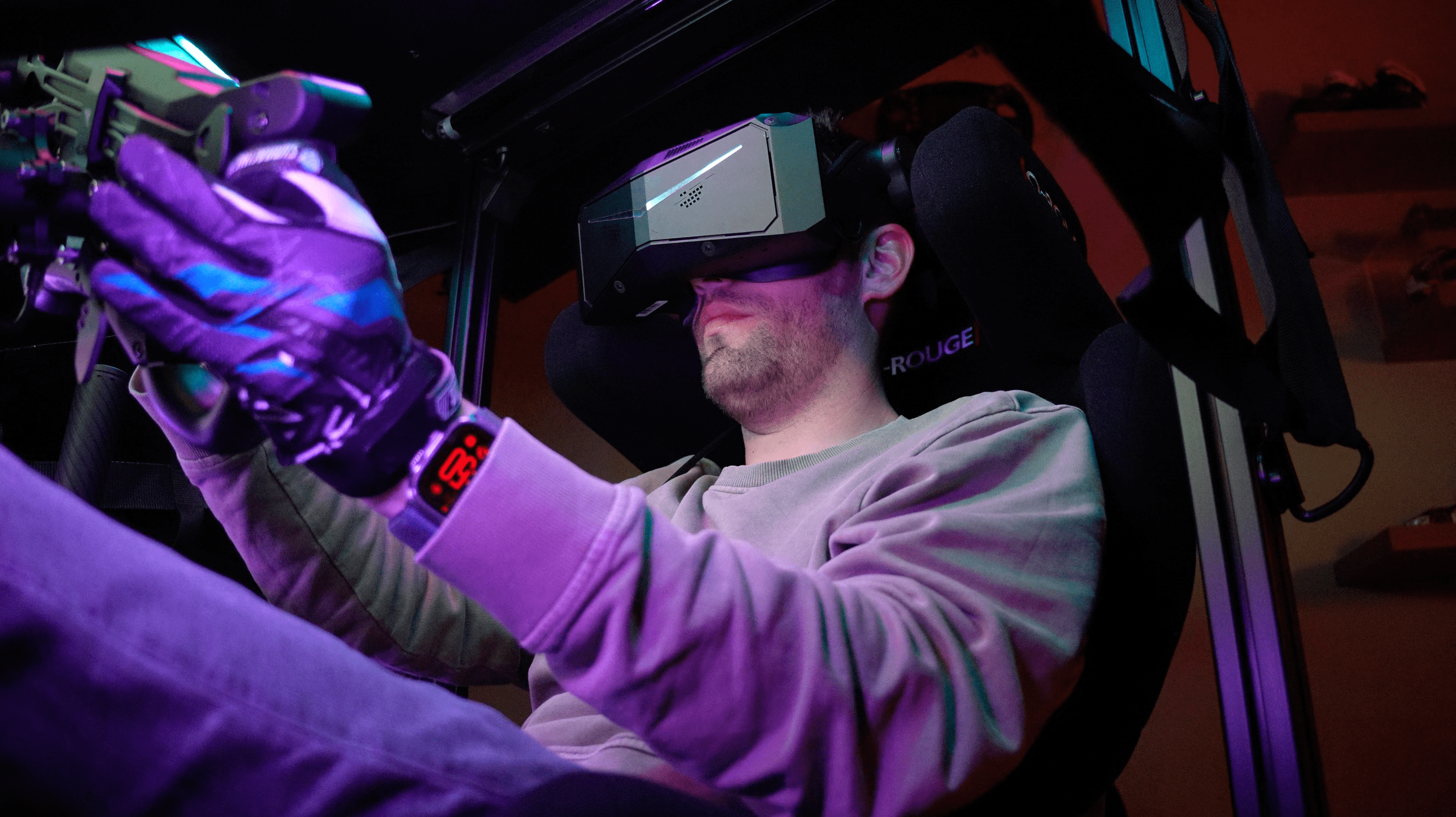
After several months of intensive use, it is time to take stock. My experience with the Pimax Crystal Light is mixed. On the hardware side, there is little to fault: it is an impressive piece of technology. My very first VR session - in a hypercar at Imola in Automobilista 2 - was downright sensational. The sense of speed, depth and presence is unparalleled. You are completely immersed in the moment and really feel like you are at sitting in the car. Those are the moments when VR shows its true potential, and exactly that is what you want to keep coming back for.
But unfortunately, it is not all roses. The software remains a recurring source of frustration. It often takes more time than you care to get the headset working: rebooting, reconfiguring, resetting safety boundaries. It interrupts the flow and takes the spontaneity out of a short racing session. It is not unusual for me to spend longer positioning the virtual screen correctly than actually racing. And that doesn't seem quite the point.
The biggest annoyance? The sensitivity of the tracking and boundary system. Even the slightest movement - like sliding your chair back slightly or taking off the headset for a moment - can make the system think you are outside your playing area. The result: resetting everything. Unbelievably what a frustrating process this is! I also regularly experience problems with the screen not being centred. For example, I then sit in my race seat and have to look all the way down to see the screen in the distance. Incredibly time-consuming and frustrating.


Physically, too, the Crystal Light is no small boy. The weight is well distributed and the headset is comfortable - especially when combined with my previous sim racing seat, the Sim-Lab Speed 1. In it, I had full freedom of movement and could turn my head without any problem. In my current O-Rouge Cold Fusion C2 is unfortunately a different story. This seat's wide headrests mean the headset regularly hits the sides, which limits head rotation. Something to bear in mind if you have a rig with integrated headrest. Too bad, because this way you just don't get the most out of it when you're racing side-by-side on a straight and have to look left and right to see if there's a car next to you and how much space there is.
And then there's the cable. That single, thick cable at the back of the headset remains just a little too emphatic in some cases. While it is a plus that the cable is no less than 5 metres long, it still often gets stuck between my back, shoulder or chair. Especially if it gets caught behind something or rubs past your chair, it can disrupt the immersion considerably.
All in all, when it works, the experience is fantastic. But the road to it is often too bumpy. For those who are not tech-savvy or simply just want to race quickly without fuss, this headset can quickly become too much to handle. It is not a plug-and-play solution. Those willing to invest time in tweaking settings, managing software and resolving minor frustrations will get a powerful VR experience in return. But it is by no means self-evident.
Advantages and disadvantages
As with any piece of hardware, the Pimax Crystal Light has some obvious strengths, but also some limitations. Below, I have listed the main pros and cons, based on my experience with the headset.
Pros
- Razor-sharp image with deep contrasts
- Light and comfortable fit
- Strong immersion in well-optimised sims
- Different refresh rates
- Solid build quality
Cons
- Frequent problems with tracking/safety boundary
- Less suitable for beginners
- Not optimally compatible with all racing seats
Conclusion: Pimax Crystal Light Review
The Pimax Crystal Light is a VR headset with impressive potential, but it also requires dedication. In terms of image quality and immersion, this model is among the absolute best in its price range. The visual experience is sharp, high-contrast and immersive - especially in well-optimised sims such as Automobilista 2 and Le Mans Ultimate, the Crystal Light manages to pull you completely into the moment. The headset is modularly customisable with various essential upgrades that make your experience even better. The headset is comfortable and, when everything is working properly, offers a sensational experience.
Exclusive Discount On Your Pimax Crystal Light
But that is exactly the crux: when it works. The software is currently the weak link in it all. Instability, cumbersome configuration and having to reset safety boundaries frequently cause frustration and wasted time. Gully
For those looking for a hassle-free, entry-level VR experience, this is not an obvious choice, although I can't really judge how this is with other VR headsets either. Fortunately there is hope and Pimax regularly releases new software updates with bug fixes and optimisations. Hopefully Pimax will manage to improve the user experience with future updates, because the basics are strong and the experience stunning and magical.
For the serious sim racer who doesn't shy away from some technical tinkering and is willing to invest in optimising his setup, the Crystal Light is an impressive piece of kit. Despite my triple screen setup, I regularly grab the headset for it - purely for that unique, all-encompassing racing experience. Once everything is running as it should, the results are stunning. The intensity, realism and sense of presence are second to none. And in the end, that is exactly why we love sim racing.
Based on the above factors, Crystal Light arrives at an overall score of 4,1. A figure that does justice to the compromise between good hardware, a bumpy user experience but also a hugely realistic and impressive experience. I am convinced that the current shortcomings are mostly software-related, because in terms of hardware, the Pimax Crystal Light is among one of the, if not best, VR headsets currently offering a stunning experience.
But be realistic: this headset is unfortunately not a shortcut to VR success, it is a route with bumps - which fortunately also offers plenty of rewards for those who persevere.
Buy Pimax Crystal Light
The Pimax Crystal Light is a lightweight, high-end PCVR headset with a 2880 x 2880 resolution per eye, QLED display and local dimming for razor-sharp visuals and deep blacks. With a wide field of view, refresh rates of up to 120 Hz and inside-out tracking, this is an ideal choice for serious sim racers seeking maximum visual immersion. Use code ‘simracinghub' before 3% discount!
Pimax Crystal Light Review: A Magical, But Bumpy Experience | SimRacingHub.nl
Find out if the Pimax Crystal Light is your ultimate VR headset: stunning image quality, but not without bumps. Read the full review!
Product Brand: Pimax
Product Currency: EUR
Product Price: 853
Product In-Stock: InStock
3.8
Pros
- Razor-sharp image with deep contrasts
- Light and comfortable fit
- Strong immersion in well-optimised sims
- Different refresh rates
- Solid build quality
Cons
- Frequent problems with tracking/safety boundary
- Less suitable for beginners
- Not optimally compatible with all racing seats
Have any thoughts?
Share your reaction or leave a quick response - we'd love to hear what you think!
-
 0
0
-
0
-
0
-
0
-
0
-
0


 Nederlands
  Deutsch
  English (UK)
  Français